Case Converter
Convert text to UPPERCASE, lowercase, Title Case, Sentence case, and more.
Tech Specs & Security
What is the Case Converter?
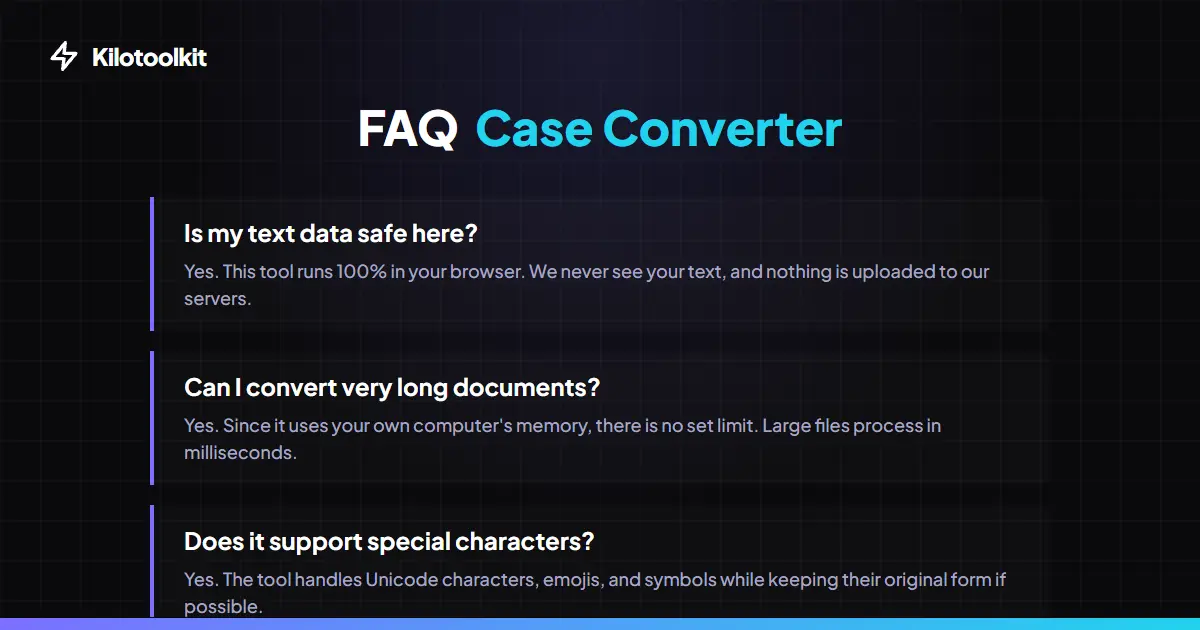
This tool lets you change the case of any text instantly. The converter helps you fix accidental caps lock mistakes or format code variables. You can preserve line breaks, track your word count in real-time, and auto-save your work locally. All processing happens directly in your browser, so your text never touches a server.
Pro Features Built In
We packed this tool with quick actions. Use the One-Click Paste and Copy buttons to move fast. Got a massive document? Just upload a .txt file instead of copying thousands of lines. You can also download your exact results as a new text file instantly.
Smart Text Processing
Your progress is automatically saved to your browser's local storage. If you accidentally close the tab, your text comes right back. Plus, the moment you pick a case option, any new typing converts instantly. Real-time counters at the bottom let you track exact character and word limits.
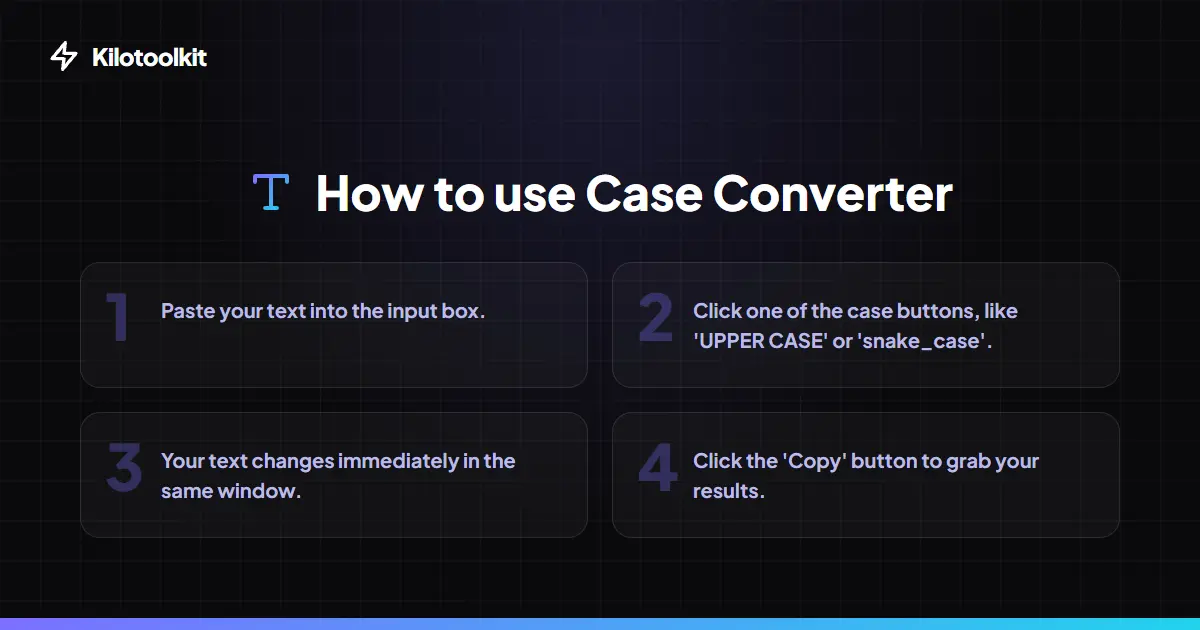
How to Use the Case Converter
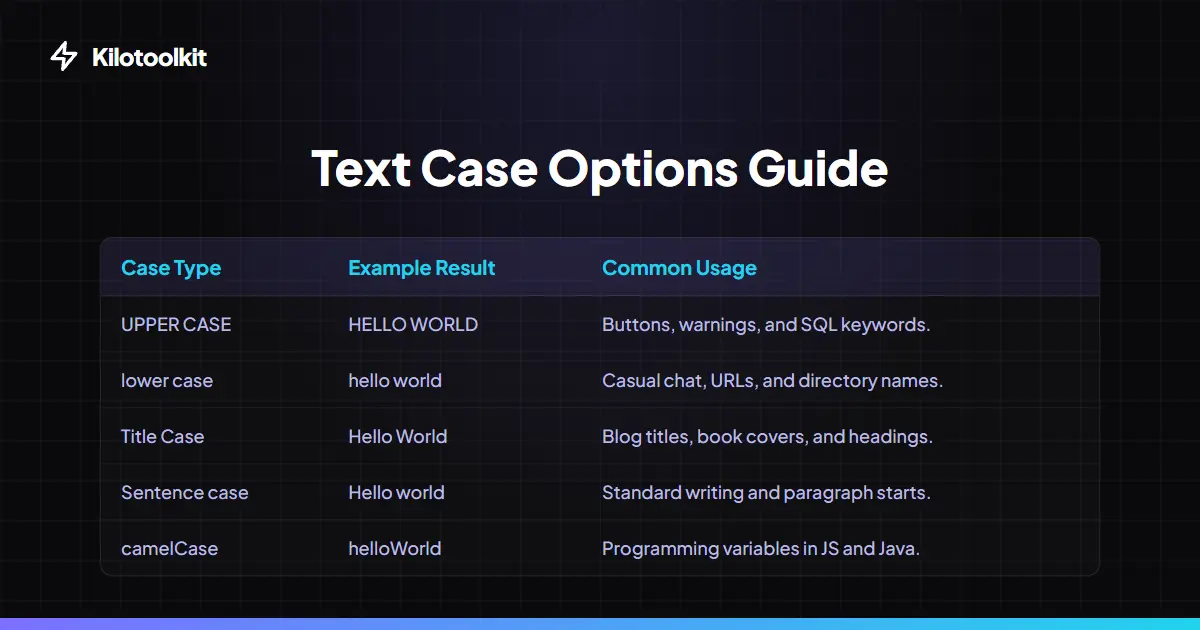
Text Case Options Guide
| Case Type | Example | Best Used For | ||
|---|---|---|---|---|
| UPPER CASE | HELLO WORLD | Buttons | warnings | and SQL keywords. |
| lower case | hello world | Casual chat | URLs | and directory names. |
| Title Case | Hello World | Blog titles | book covers | and headings. |
| Sentence case | Hello world | Standard writing and paragraph starts. | ||
| camelCase | helloWorld | Programming variables in JS and Java. | ||
| snake_case | hello_world | Database tables and Python variables. | ||
| kebab-case | hello-world | URL slugs and CSS class names. | ||
| tOGGLE cASE | hELLO wORLD | Fixing accidental caps lock typing. |
Common Errors
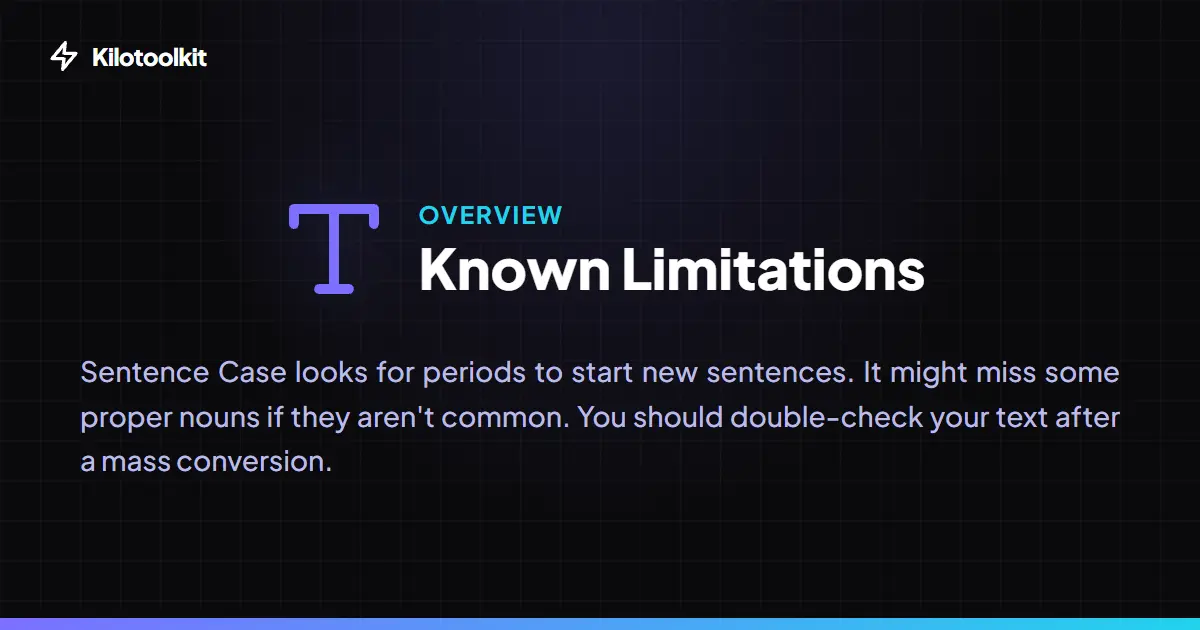
Sentence Case looks for periods to start new sentences and might miss some rare proper nouns. If you upload a file, make sure the document is a standard .txt format so the browser can read the text properly.
Frequently Asked Questions
Tool Layout Gallery



Swipe to view more layouts