Word Counter
Count words, characters, and sentences instantly. Analyze keyword density and check social media character limits.
Tech Specs & Security
What is the Word Counter?
Word Counter is a high-performance text analysis utility designed for writers, students, and digital marketers. Unlike basic text editors, Word Counter provides a detailed dashboard of metrics including word count, character count with and without spaces, and paragraph frequency. Word Counter also calculates reading and speaking times, helping users prepare for presentations or voice-overs. Whether writing a blog post, an academic essay, or a social media update, Word Counter ensures users hit every length target with precision while keeping user data 100% private.
Keyword Density Analysis
Deep dive into content strategy with the built-in Keyword Density Analyzer. Word Counter automatically filters out common stop words—like 'the', 'and', or 'at'—to highlight the most important terms in a document. This feature helps SEO professionals avoid keyword stuffing and ensures that a core message remains clear. By visualizing word frequency percentages, users can optimize articles for search engines and improve readability for humans.
Social Media & SEO Limits
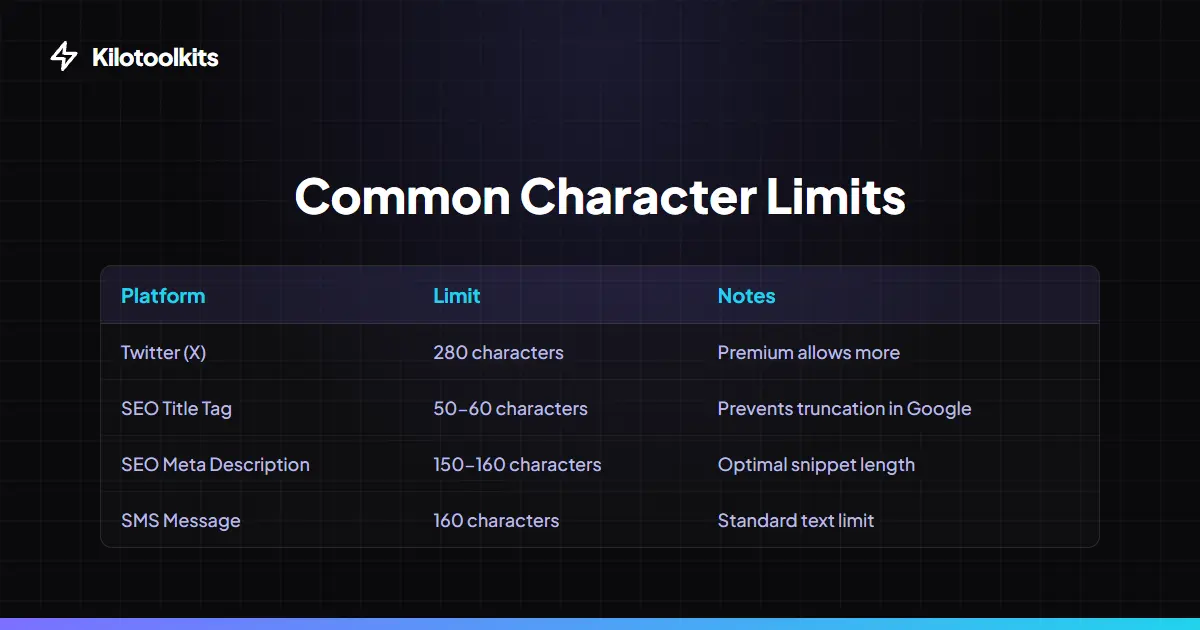
Writing for the web requires staying within specific character constraints. Word Counter includes real-time progress bars for common platforms like Twitter (X), Google Meta Titles, and Meta Descriptions. As users type, the progress bars update instantly, changing color if a user exceeds recommended limits. This eliminates the guesswork when crafting social media posts or optimizing website metadata for Google Search Results.
Browser-Based Privacy
Privacy is the core of Kilotoolkit. Word Counter processes every character locally in the browser. No text or documents are ever uploaded to a server. Users can even upload .txt or .md files directly to scan metrics without pasting. The tool also acts as a safe notepad, automatically saving progress to local storage so users never lose a draft if a browser tab accidentally closes.
How to Use the Word Counter
Word Counter vs. Standard Editors
| Feature | Standard Editor | Word Counter |
|---|---|---|
| Real-time Updates | Sometimes | Yes (Instant) |
| Keyword Analysis | No | Yes (Stop-word filtered) |
| Reading Time | No | Yes (225 WPM) |
| Social Limits | No | Yes (Visual Progress Bars) |
| CSV Export | No | Yes (Metrics & Keywords) |
Common Metric Questions
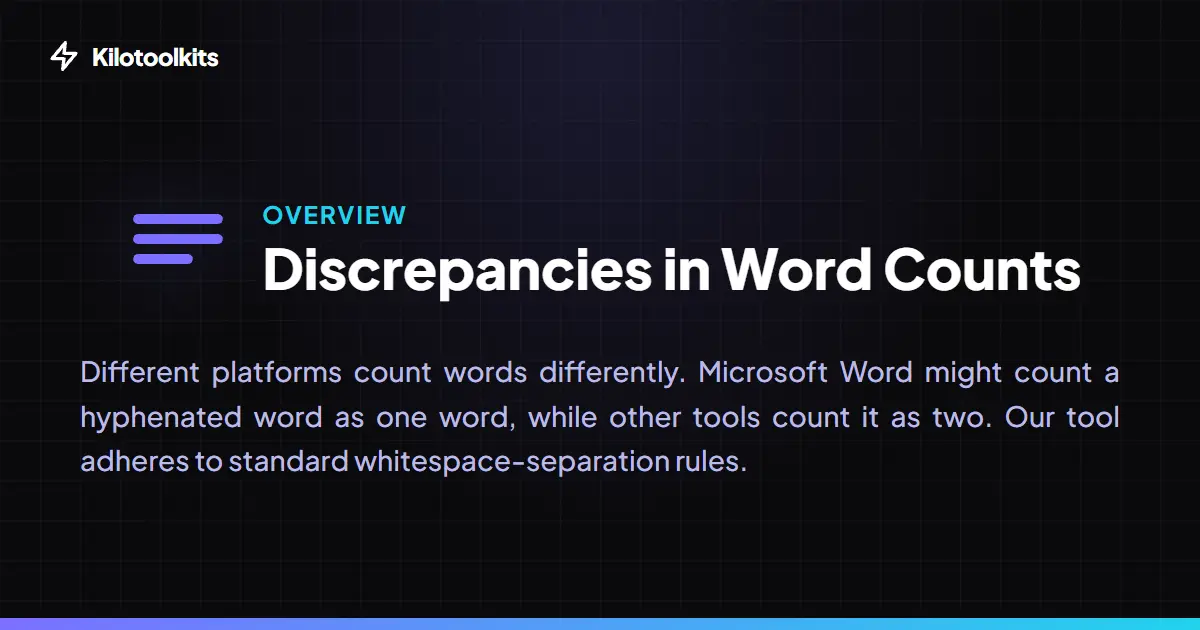
If the word count seems different from Microsoft Word or Google Docs, remember that different algorithms handle hyphenated words or punctuation differently. Word Counter uses a standard white-space separation rule. If keyword density is empty, ensure the text contains words longer than two characters that are not common stop words.
Frequently Asked Questions
Tool Layout Gallery

Swipe to view more layouts