Text Reverser
Instantly reverse text, words, or character order. 100% private backwards text generator works in your browser.
Tech Specs & Security
What is the Text Reverser?
The text reverser is a quick tool that flips any string completely backwards. The tool helps you create mirror text, obfuscate passwords, or solve word puzzles. You can flip individual characters, entire words, or the order of lines in a document. The tool works entirely inside your browser window. Your text never leaves your computer, making the process safe and private.
Multiple Reversal Modes
Users can choose how the text flips. The 'Reverse Text' mode mirrors every character. 'Reverse Words' keeps letters in order but flips the sequence of words. 'Reverse Letters' flips internal word spelling but keeps the sentence structure. You can even flip the order of entire lines or turn text upside down using special Unicode characters. These options give you full control over how the final output looks.
Safe for Sensitive Data
Privacy is key when processing text. Because the tool runs locally, no servers ever see your input. This makes the tool ideal for generating scrambled passwords or processing confidential notes. You don't need to worry about data leaks or tracking. The tool even works offline once the page loads.
Smart Character Handling
The tool handles more than just standard alphabet letters. The tool works with numbers, symbols, and special characters. The algorithm respects character boundaries to avoid breaking text formatting. Whether you are mirroring a short name or a massive technical log, the tool maintains structural integrity throughout the conversion.
Instant Word Metrics
As you type or paste text, the tool shows live counts at the bottom. You can see character counts, word counts, and line counts in real-time. This feedback helps you stay within specific limits for social media bios or coding constraints. The output updates the moment you change your input or switch reversal modes.
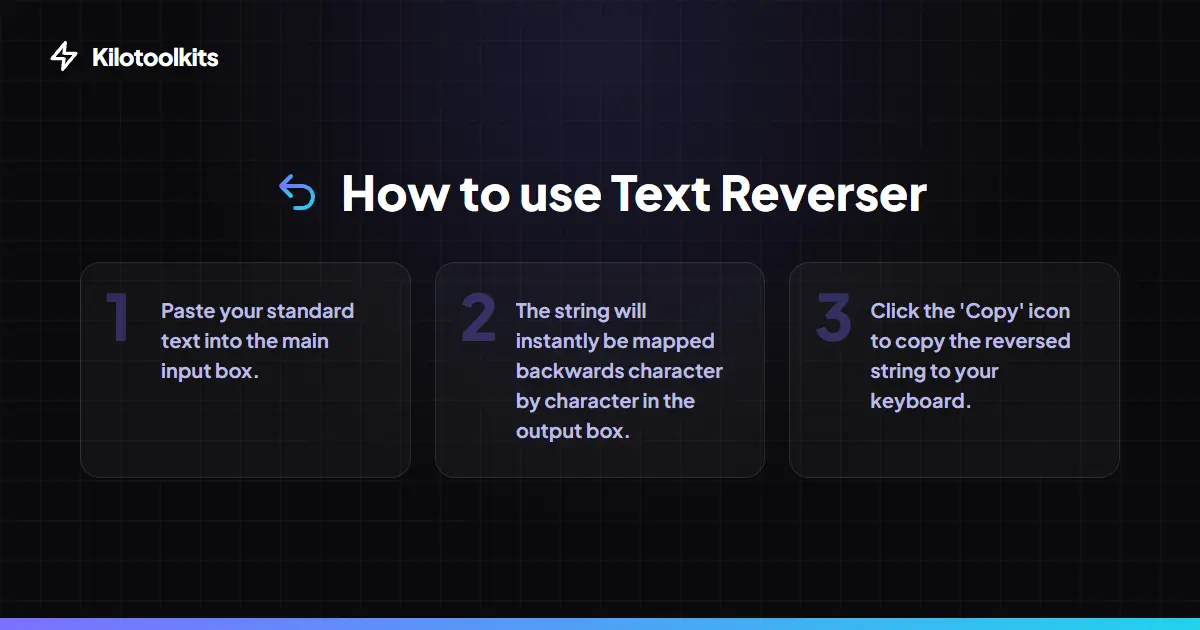
How to Use the Text Reverser
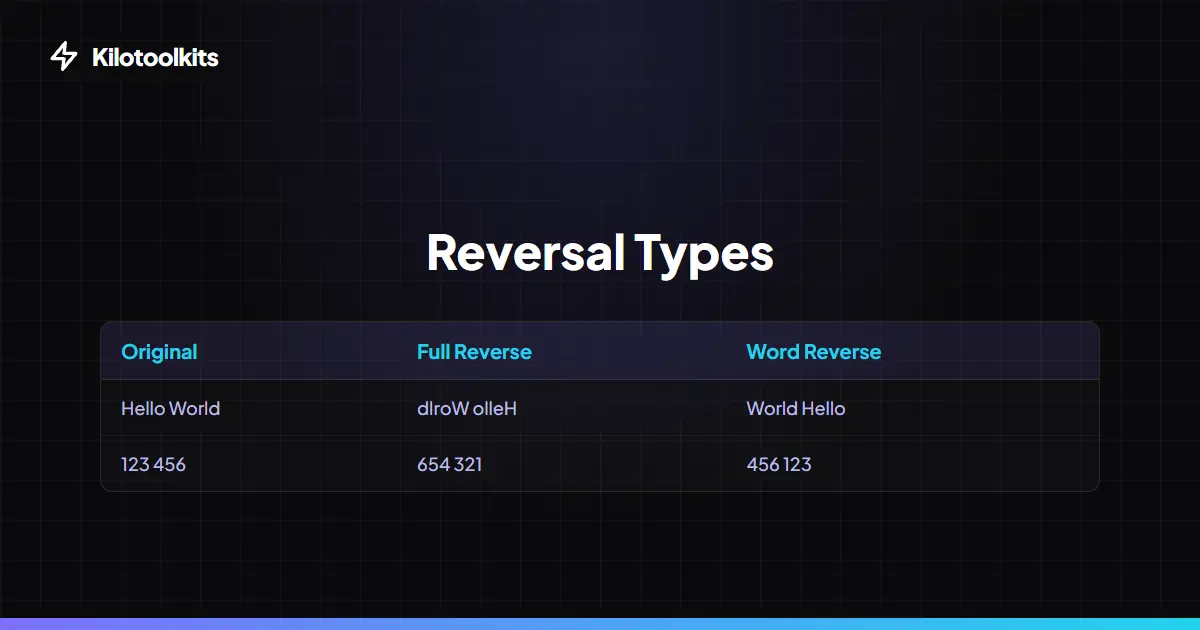
Mirror Text Options Comparison
| Mode | Input | Reversed Result |
|---|---|---|
| Reverse Text | Hello World | dlroW olleH |
| Reverse Words | Hello World | World Hello |
| Reverse Letters | Hello World | olleH dlroW |
| Reverse Lines | Line 1\nLine 2 | Line 2\nLine 1 |
| Upside Down | Hello | ollǝH |
Common Reversal Issues
Emoji pairs like flags or family icons might occasionally split if they use older Unicode standards. To fix this, try copying the text into a modern editor first. If you upload very large files, the tool speed depends on your computer's RAM. Most modern devices handle thousands of lines in milliseconds.
Frequently Asked Questions
Tool Layout Gallery

Swipe to view more layouts