Color Picker & Converter
Advanced visual color picker and multi-format converter. Extract colors from images, check WCAG contrast, and generate palettes.
Tech Specs & Security
What is the Visual Color Picker & Converter?
Color Picker & Converter is a professional-grade color suite designed for modern web developers and UI designers. Unlike standard input pickers, Color Picker & Converter provides a high-fidelity visual engine for manipulating Hue, Saturation, and Lightness with pixel-perfect accuracy. Color Picker & Converter supports automatic detection of nearly any color format and provides instantaneous conversion across HEX, RGB, HSL, CMYK, and even modern OKLCH standards. Everything runs 100% inside your browser, ensuring your design exploration remains private and fast.
Image Color Extractor
Color Picker & Converter identifies exact colors from your own photos. Simply upload any JPG or PNG image and use the precision crosshair to sample any pixel. This killer feature allows you to build brand-accurate palettes directly from source imagery without leaving your browser. The tool also utilizes the native browser EyeDropper API where supported for high-precision screen sampling.
WCAG Accessibility Tool
Building accessible interfaces is critical. Color Picker & Converter includes a real-time WCAG 2.1 Contrast Checker that provides immediate pass/fail scores for your chosen color background. It tells you exactly how readable white or black text will be, ensuring your designs meet international accessibility standards effortlessly without needing external auditing tools.
Advanced Color Harmonies
Color Picker & Converter automatically generates four professional color schemes: Complementary, Analogous, Triadic, and Monochromatic. You can export these palettes directly as CSS Variables, Tailwind Config objects, or JSON files. This makes Color Picker & Converter the perfect starting point for any new project theme or style guide creation.
Smart Multi-Format Input
Forget manual conversion steps. The Smart Input box in Color Picker & Converter automatically detects if you have pasted a HEX code, an RGB string, an HSL variant, or a CSS named color like 'Crimson'. Color Picker & Converter instantly handles the parsing and updates the entire workspace to match, saving you time during rapid prototyping.
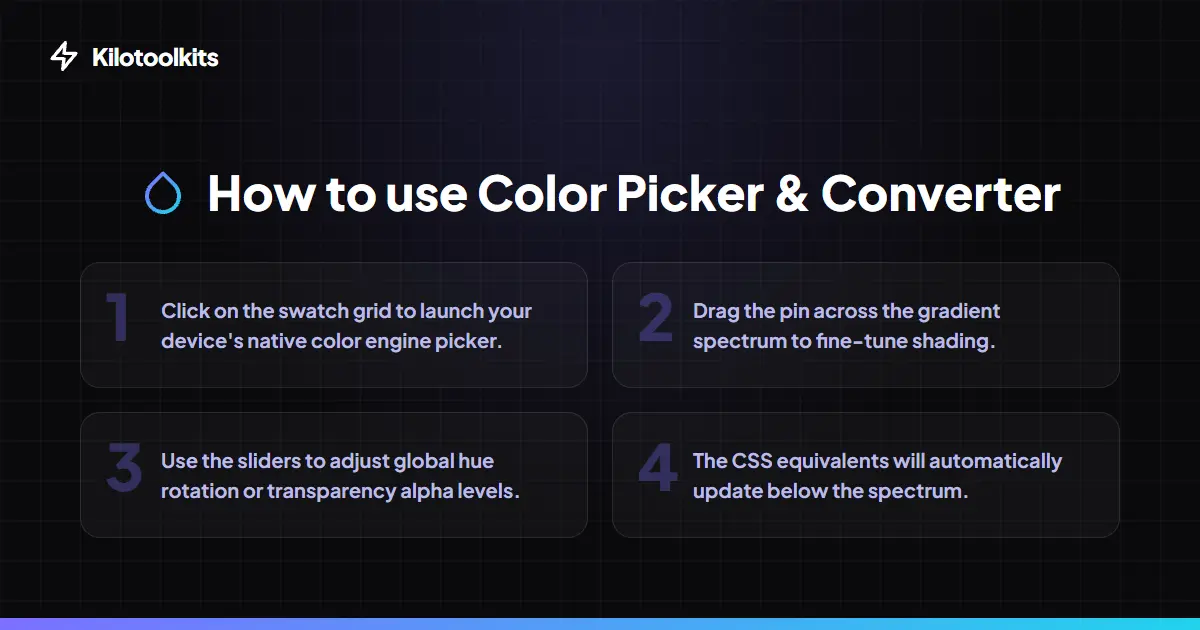
How to Use the Color Picker & Converter
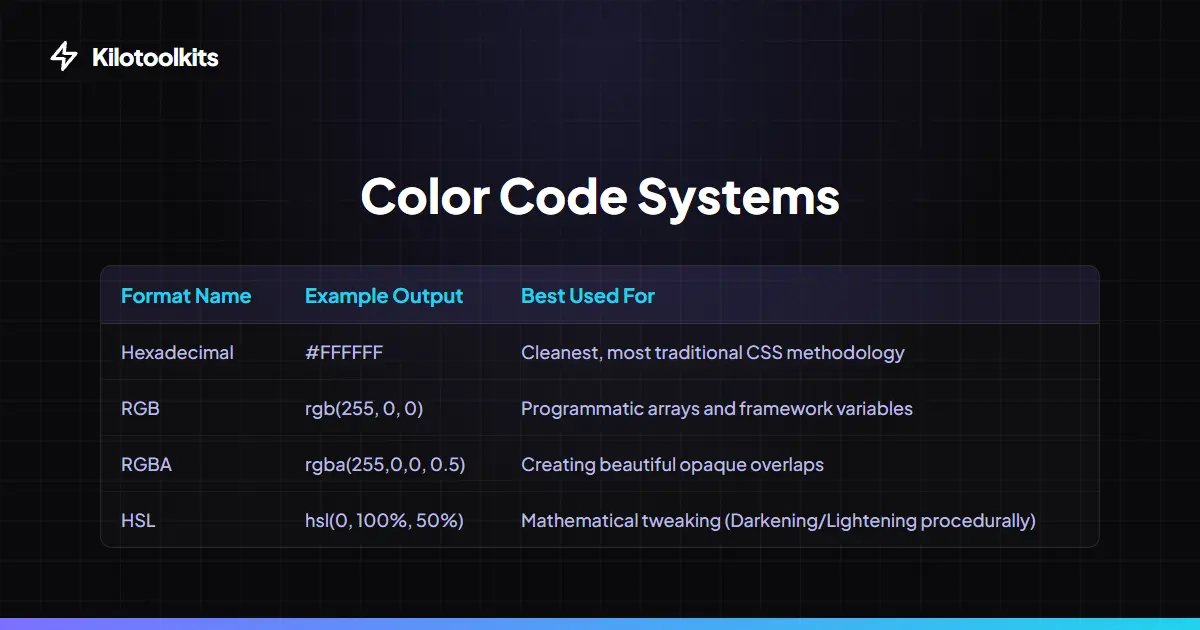
Color Format Comparison
| Format | Best For | Key Advantage | ||
|---|---|---|---|---|
| HEX | Standard Web CSS | Short | traditional | and universal support |
| RGB / RGBA | Dynamic transparency | Direct manipulation of screen sub-pixels | ||
| HSL / HSLA | Designer-friendly tweaks | Easiest for humans to adjust brightness/saturation | ||
| CMYK | Print Design | Standardized for ink-based production logic | ||
| OKLCH | Modern UI Themes | Maintains perceived brightness across all hues |
Format Validation & Support
Color Picker & Converter handles unrecognized strings by providing real-time feedback in the smart input box. If you paste an invalid HEX or CSS name, Color Picker & Converter prevents the workspace from updating to a broken state. For the Image Picker, ensure you use supported formats like JPEG, PNG, or WebP. Note that the native EyeDropper API is currently available in modern Chromium-based browsers, while other browsers utilize our robust canvas-based fallback.
Frequently Asked Questions
Tool Layout Gallery


Swipe to view more layouts