Tech Specs & Security
What is the Tip Calculator?
Tip Calculator is a comprehensive financial utility designed for fast, accurate bill splitting and gratuity calculation. Whether dining out at a local restaurant or traveling internationally, Tip Calculator handles complex tasks like tax exclusion, smart rounding, and uneven splitting. Tip Calculator includes a built-in Global Tipping Guide to help navigate international etiquette. Like all Kilotoolkit tools, Tip Calculator processes everything locally in the browser, ensuring financial data remains private.
Tax-Exclusion & Precise Tipping
Most tip calculators erroneously calculate gratuity on the total bill, including tax. Tip Calculator features an optional 'Tax Amount' field that allows for calculating the tip solely on the subtotal—the industry standard for proper tipping etiquette. This ensures users are tipping servers accurately without overpaying on government-imposed taxes.
Uneven Split & Custom Logic
Not every meal is split equally. Tip Calculator includes an 'Uneven Split' feature that generates a custom table for every person in the party. Users can assign specific amounts to individuals while Tip Calculator tracks the remaining balance in real-time. Paired with a 'Smart Rounding' engine, users can round up totals to the nearest dollar for easier cash payments.
Global Etiquette & Guide
Tipping cultures vary wildly across the globe. Tip Calculator features an integrated Global Tipping Guide covering 15+ countries, from high-gratuity cultures to 'no-tip' etiquette. Tip Calculator also supports multiple global currencies—including $, £, €, ₹, and ¥—making it the perfect travel companion for international dining.
100% Private & Mobile-First
Tip Calculator is optimized for mobile performance. With features like auto-focus and decimal-specific keyboards, users can calculate their share of the check in seconds. Since all math happens in the browser local environment, bill details and dining history are never uploaded to any server, guaranteeing total anonymity.
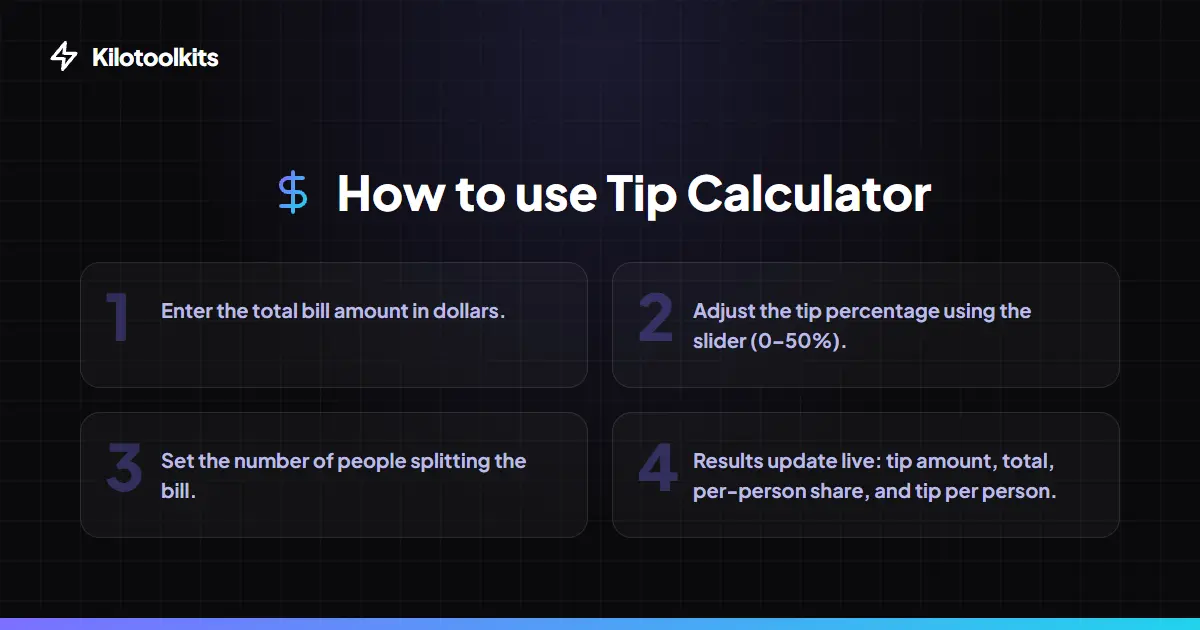
How to Use the Tip Calculator
Tipping Standard Comparison
| Service Level | Percentage | Tip Calculation Method |
|---|---|---|
| Excellent Service | 20% - 25% | Calculated on subtotal (tax excluded) |
| Standard Service | 18% | Calculated on subtotal (tax excluded) |
| Average Service | 15% | Calculated on subtotal (tax excluded) |
| Basic Service | 10% | Common for counter service or take-out |
| Service Included | 0% / Small Change | Common in Europe & Australia |
Input Validation & Support
Tip Calculator prevents mathematical errors by validating that the bill amount is a positive number. If the number of people is set to zero, the split calculation defaults to the total bill to avoid division-by-zero errors. Tip Calculator also retains last used settings in local storage to prevent re-configuring preferred currency or tip percentage every time.
Common Use Cases
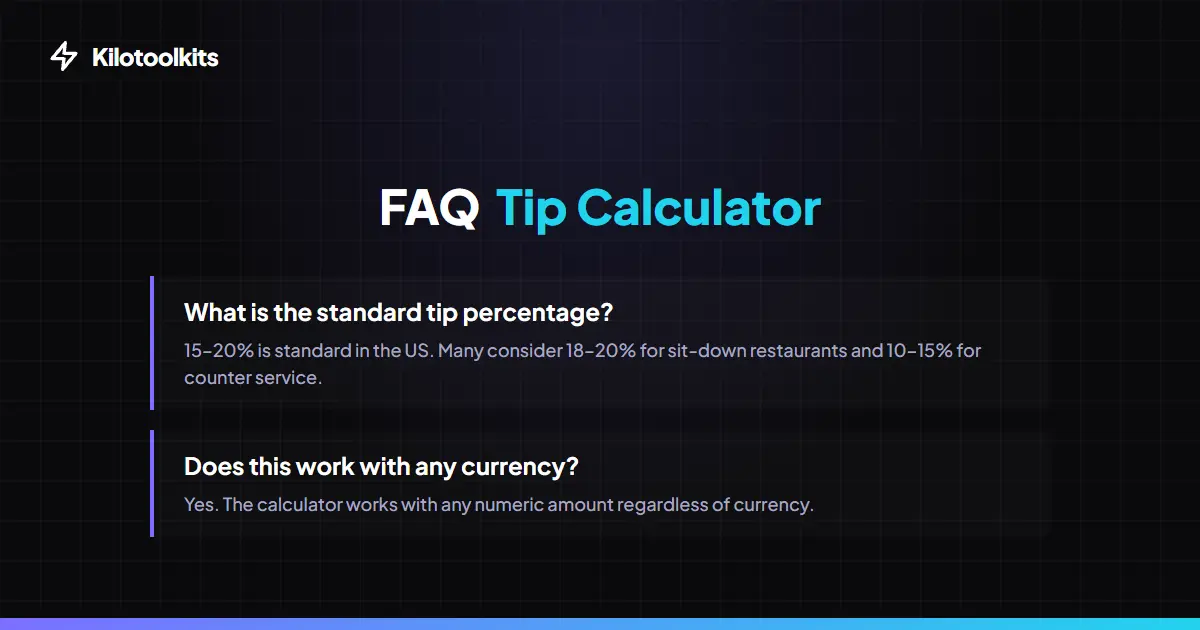
Frequently Asked Questions
Tool Layout Gallery

Swipe to view more layouts