Tech Specs & Security
What is the Unix Timestamp Converter?
Unix Timestamp Converter is a high-performance developer utility designed to bridge the gap between machine-readable epoch time and human-readable dates. Whether debugging system logs, verifying API responses, or setting database expiration keys, Unix Timestamp Converter provides a secure, browser-based environment for instant time translation. Unlike standard converters, Unix Timestamp Converter features an intelligent auto-detection engine that handles seconds, milliseconds, microseconds, and nanoseconds without requiring manual switching.
Natural Language Time Engine
Unix Timestamp Converter includes a powerful 'Natural Language' parser that understands human speech. Instead of just numbers, phrases like 'yesterday at 3pm', '2 hours ago', or 'next Monday' can be typed directly into the input. Unix Timestamp Converter will instantly calculate the corresponding Unix timestamp, making it the fastest tool for generating specific point-in-time data for code snippets or testing.
Live Ticking 'Now' Clock
Time never stops, and neither does Unix Timestamp Converter. The tool features a prominent live ticker at the top showing the current Unix epoch in both seconds and milliseconds, updating in real-time. With a dedicated 'Pause' button, the clock can be frozen at any millisecond to capture a precise timestamp for records without the pressure of a ticking display.
Bulk Log Converter Pro
For engineers dealing with extensive system logs, Unix Timestamp Converter offers a dedicated 'Bulk Mode.' Users can paste up to 100 timestamps at once, and Unix Timestamp Converter will generate a clean, searchable table of human-readable dates, relative time offsets, and ISO-8601 strings. This batch processing capability significantly reduces time spent on manual incident analysis and forensic debugging.
Bi-Directional Developer Suite
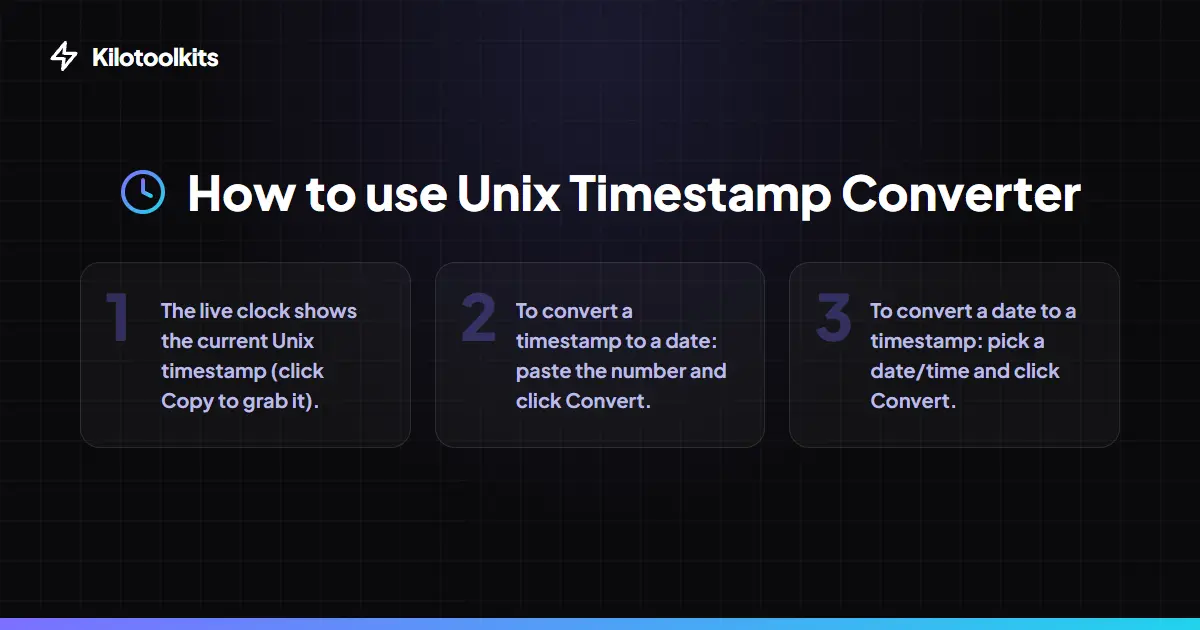
Unix Timestamp Converter is built for two-way workflows. Paste a timestamp to see the date, or use the visual calendar picker to find the exact epoch for a future event. Unix Timestamp Converter also provides integrated code snippets for 10+ programming languages, showing exactly how to retrieve the current time in Python, JavaScript, Go, Rust, and more.
How to Use the Unix Timestamp Converter
Timestamp Precision Mapping
| Unit | Digits | Example Value | Use Case | ||
|---|---|---|---|---|---|
| Seconds | 10 | 1714646578 | Standard Unix systems | PHP | Python |
| Milliseconds | 13 | 1714646578000 | JavaScript | Java | Web APIs |
| Microseconds | 16 | 1714646578000000 | High-precision DB logs | ||
| Nanoseconds | 19 | 1714646578000000000 | Low-latency trading | Go | Rust |
Live Syntax Validation & Logic
Unix Timestamp Converter features real-time input validation. If an entry is neither a valid number nor a recognizable natural language phrase, Unix Timestamp Converter displays a clear error message. The tool also warns users when a timestamp exceeds standard 32-bit limits (the 'Year 2038 problem'), ensuring that data remains accurate for long-term planning. All processing is local, so Unix Timestamp Converter remains fast even during high-volume batch tasks.
Frequently Asked Questions
Tool Layout Gallery

Swipe to view more layouts