Whitespace Remover
Clean messy text instantly. Remove extra spaces, empty lines, tabs, and line breaks. 100% private and browser-based.
Tech Specs & Security
What is the Whitespace Remover?
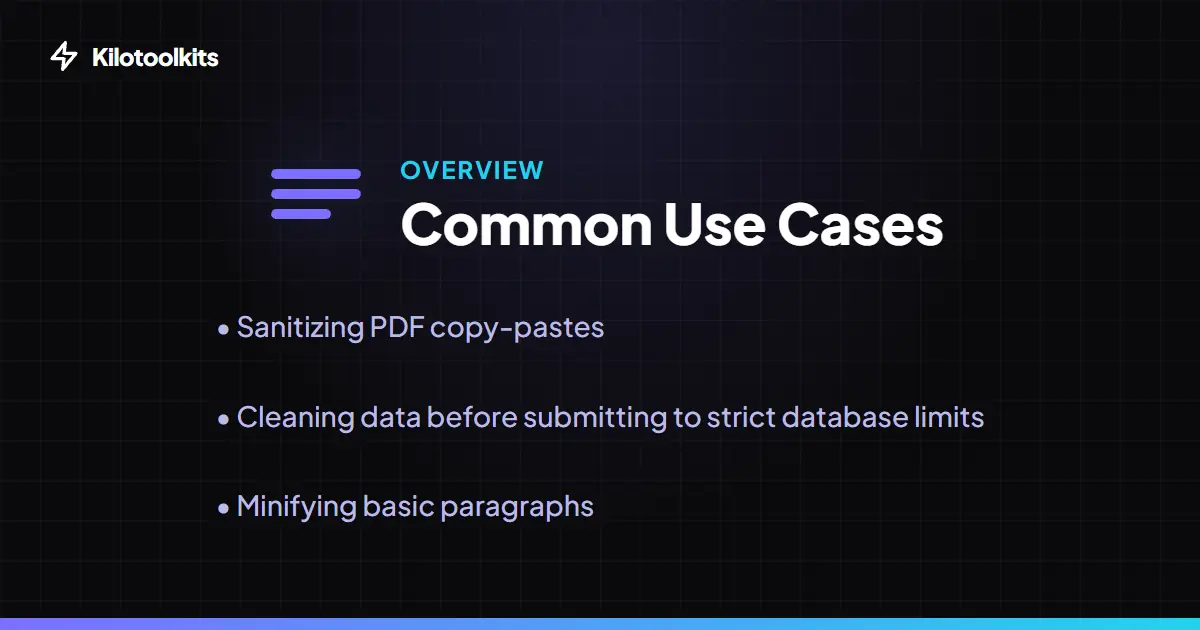
The whitespace remover is a text sanitization tool that cleans up messy documents instantly. When you copy text from PDFs, legacy databases, or badly formatted websites, the content often inherits invisible trailing spaces, double gaps, or unwanted tabs. This tool strips out redundant whitespace and outputs clean, normalized formatting. All processing happens directly in your browser window. Your text never leaves your computer, making the tool safe for sensitive data.
Precision Cleanup Modes
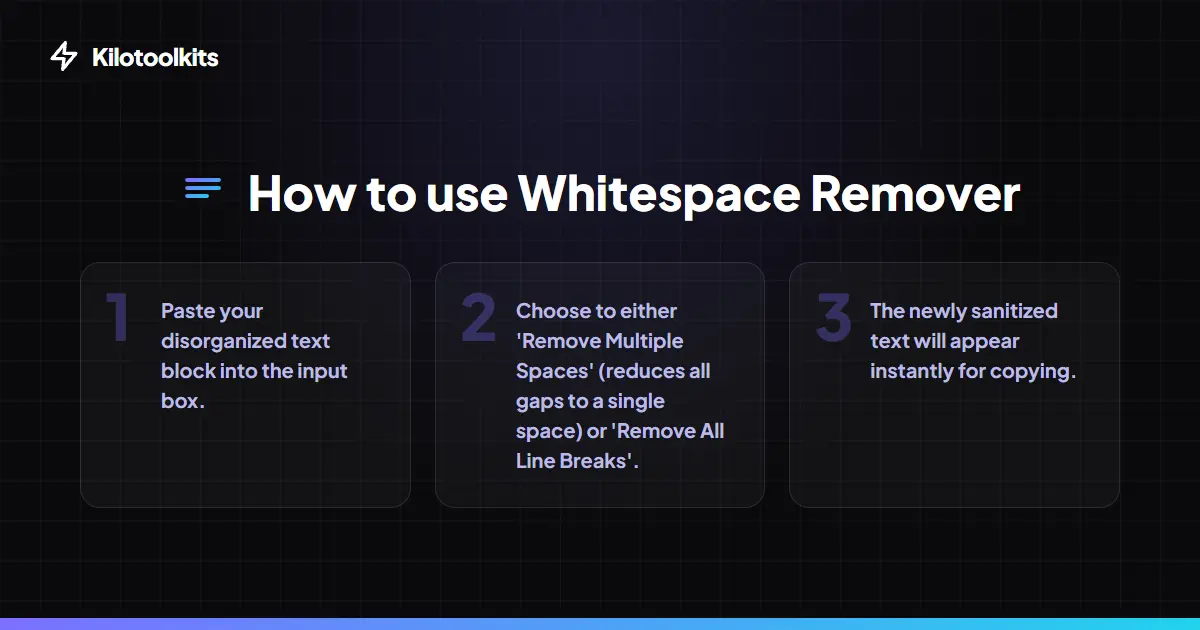
You don't have to clean everything at once. Choose specifically what you want to destroy. You can remove multiple spaces while keeping line breaks, or turn a long essay into a single line by removing all breaks. The 'Trim Each Line' option is perfect for cleaning up lists or code blocks. The tool gives you surgical control over your text structure.
Pro UX & Local Recovery
The tool includes auto-memory features. Your input text is saved locally as you type. If you accidentally close the tab, your text comes right back when you return. Real-time metrics show exactly how much junk was removed. You can see the count of deleted spaces and lines updated live. This makes the cleaning process both satisfying and efficient.
Developer Friendly Features
Developers often use this tool to clean up exported CSVs or server logs. The 'Tabs to Spaces' mode converts single tabs into four standard spaces. This is essential for maintaining consistent indentation in code. You can also upload large files directly. The tool supports .txt, .csv, and .log formats, so you don't have to copy and paste thousands of lines manually.
Secure and Private Processing
Privacy is a core feature of this utility. Because the cleaning logic runs 100% client-side, no data is ever uploaded to a server. This is vital for processing confidential emails, private logs, or proprietary code. The tool works offline too. Once the page is loaded, the sanitization happens instantly without an internet connection.
How to Use the Whitespace Remover
Common Cleanup Operations
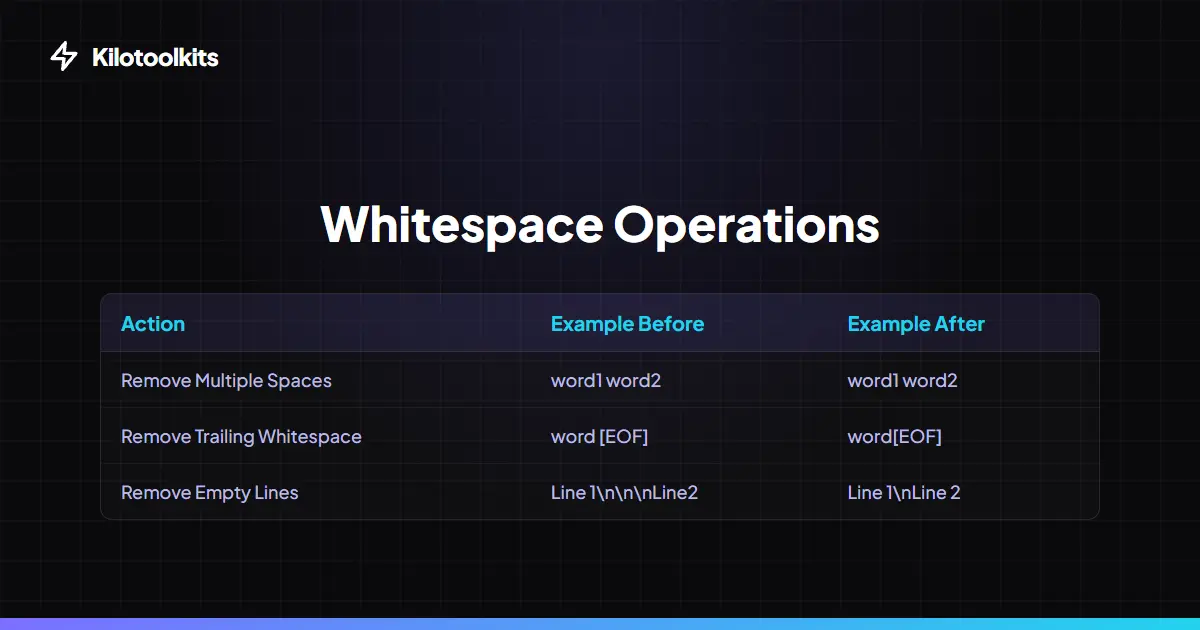
| Operation | Input Example | Cleaned Result |
|---|---|---|
| Remove Extra Spaces | 'Hello World' | 'Hello World' |
| Remove Empty Lines | 'Line 1\n\nLine 2' | 'Line 1\nLine 2' |
| Trim Each Line | ' Word ' | 'Word' |
| Remove All Breaks | 'A\nB' | 'A B' |
| Tabs to Spaces | '[Tab]Word' | ' Word' |
Common Cleanup Errors
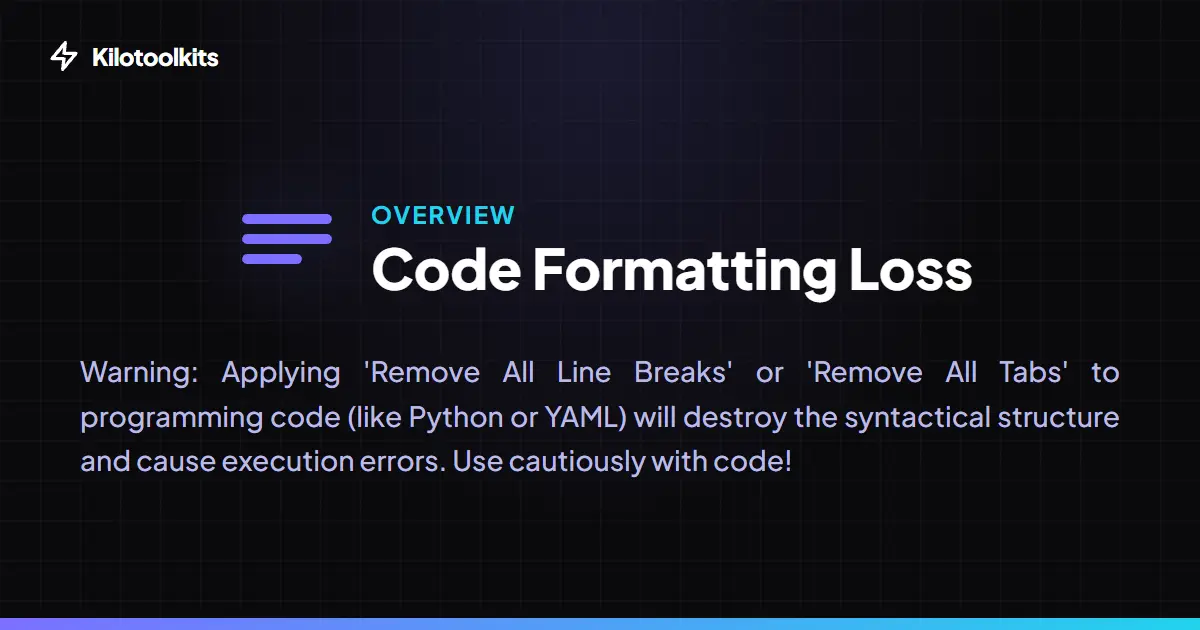
Be careful when using 'Remove All Line Breaks' on programming code like Python or YAML. Removing indentation will break the script logic and cause errors. Also, make sure your uploaded files are in a standard text-readable format. Binary files will appear as gibberish in the input box.
Frequently Asked Questions
Tool Layout Gallery

Swipe to view more layouts