Loan / EMI Calculator
Calculate monthly EMI, total interest, and payoff dates. Features prepayment analysis and side-by-side loan comparison.
Tech Specs & Security
What is the Loan / EMI Calculator?
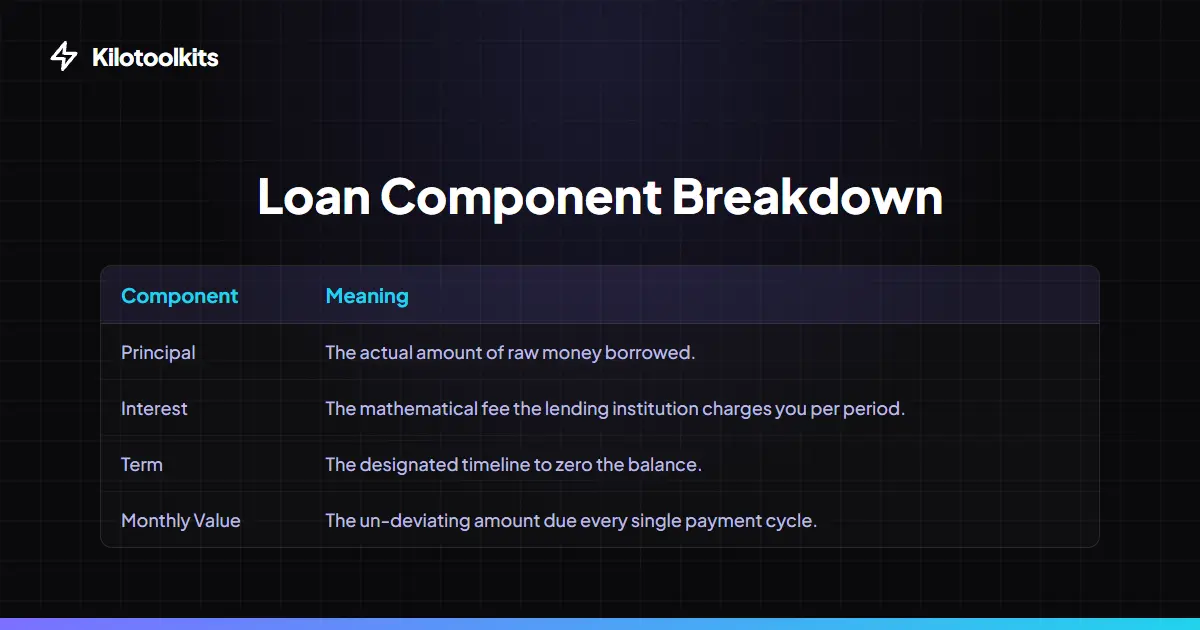
Loan / EMI Calculator is a professional-grade financial workspace designed to model complex debt scenarios with surgical precision. Whether evaluating a mortgage, an auto loan, or a personal credit line, Loan / EMI Calculator provides a comprehensive breakdown of monthly obligations, total interest costs, and payoff timelines. Loan / EMI Calculator utilizes the industry-standard reducing balance method to ensure every cent of principal and interest is accounted for. Like all Kilotoolkit utilities, Loan / EMI Calculator runs 100% locally in the browser, guaranteeing sensitive financial data never leaves the device.
Prepayment & Interest Savings
One of the most powerful features of Loan / EMI Calculator is the 'Extra Monthly Payment' engine. By adding even a small amount to the monthly repayment, Loan / EMI Calculator instantly recalculates the entire amortization schedule. Loan / EMI Calculator generates a bright 'Interest Savings Alert' showing exactly how many thousands of dollars will be saved and how many months earlier the loan will finish. This allows for rapid 'What-If' analysis to optimize debt-reduction strategies.
Side-by-Side Comparison Engine
Choosing between different bank offers can be difficult. Loan / EMI Calculator includes a 'Save as Loan A' feature that allows users to lock in one loan scenario and compare it directly against another. Loan / EMI Calculator displays a high-contrast comparison grid showing differences in EMI, Total Interest, and Total Cost. This side-by-side logic ensures users pick the most cost-effective financial product without needing a spreadsheet.
Dynamic Amortization & Exports
For deep-dive financial planning, Loan / EMI Calculator generates a full Amortization Schedule. Users can toggle between a 'Monthly' view to see every payment or a 'Yearly' summary to track equity growth over time. Loan / EMI Calculator also features a 'Visual Bill Breakdown' donut chart to show the ratio of principal to interest at a glance. For record-keeping, Loan / EMI Calculator allows exporting the entire schedule as a professional CSV file for use in Excel or Google Sheets.
Down Payment & Hidden Fees
Loan / EMI Calculator accounts for reality by including fields for Down Payments and Processing Fees. Loan / EMI Calculator subtracts initial down payments from the total price and adds processing fees to the principal vector, providing a more accurate 'Effective Principal' than basic calculators. This ensures results in Loan / EMI Calculator match the reality of bank loan disclosures.
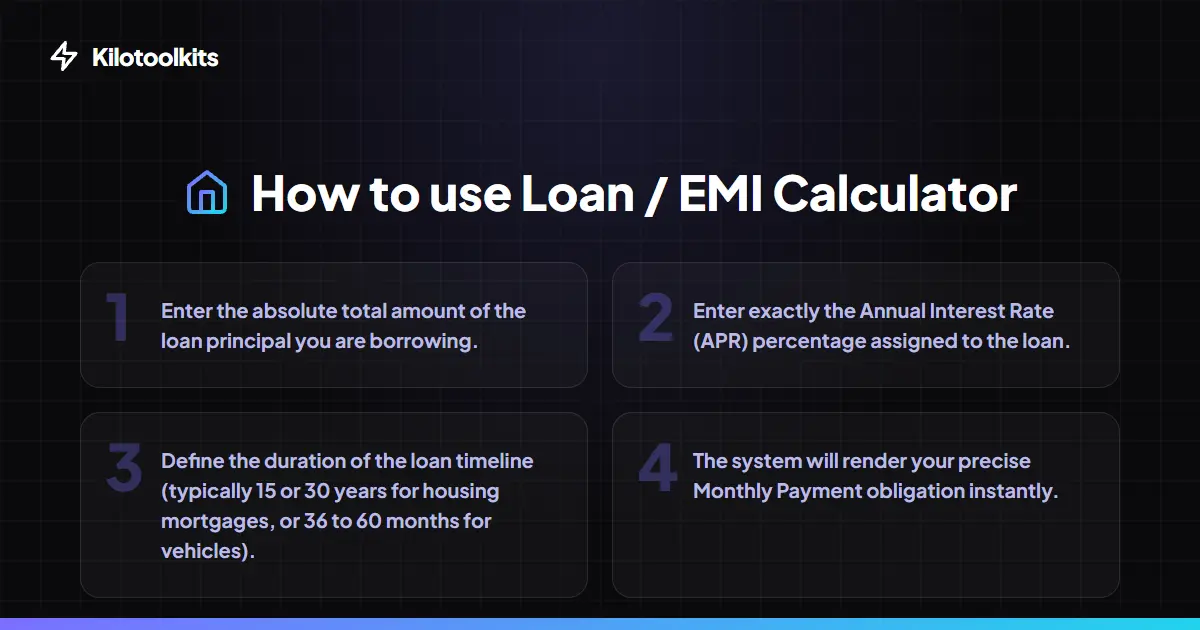
How to Use the Loan / EMI Calculator
Common Loan Tenure Benchmarks
| Loan Type | Typical Tenure | Interest Rate Sensitivity |
|---|---|---|
| Home Mortgage | 15 - 30 Years | High (Small changes save $10k+) |
| Auto Loan | 36 - 72 Months | Medium (Short terms save interest) |
| Personal Loan | 12 - 60 Months | Low (Focused on monthly EMI budget) |
| Education Loan | 5 - 15 Years | Medium (Prepayment strategy is critical) |
Mathematical Constraints & Persistence
Loan / EMI Calculator protects against mathematical boundaries. If an interest rate of 0% is entered, Loan / EMI Calculator switches to simple division. If the tenure is missing or set to zero, Loan / EMI Calculator hides the result panel to prevent errors. Loan / EMI Calculator also persists inputs in local storage, allowing users to resume financial planning without re-entering data.
Frequently Asked Questions
Tool Layout Gallery


Swipe to view more layouts