Percentage Calculator
Calculate percentages, percentage changes, and reverse values instantly. Includes visual charts and math explanations.
Tech Specs & Security
What is the Percentage Calculator?
Percentage Calculator is a multi-mode mathematical utility engineered to solve complex percentage logic queries instantly. Instead of memorizing formulas for percent differences, growth margins, or discount scaling, Percentage Calculator provides an intuitive interface to calculate decimal data precisely. Percentage Calculator supports 5 distinct calculation modes, including basic percentages, percentage change (increase/decrease), and the pro 'Reverse Percentage' mode for finding original values before taxes or discounts.
The 'Big 5' Formula Modes
Percentage Calculator is designed to handle common math problems through five specialized modes. Use Mode 1 for standard percentage queries like 'What is 15% of 200?'. Mode 2 determines what percentage one number is of another. Mode 3 is the core Percentage Change engine for measuring growth or decline. Mode 4 allows for quick addition or subtraction of percentages, and Mode 5 solves 'Reverse Percentage' problems to find original values.
Smart Detection & Visuals
When calculating differences between numbers, Percentage Calculator automatically detects whether the result represents an 'Increase' or 'Decrease', applying green or red color-coding for instant recognition. To help users understand the scale of results, Percentage Calculator features a Visual Proportion Bar that maps the 'Part' against the 'Whole' in a dynamic graphical format.
Mathematical Transparency
For students and teachers, Percentage Calculator includes a 'How it was calculated' box. This section displays the exact mathematical formula and step-by-step logic used to reach the final result. This transparency makes Percentage Calculator not just a computation tool but an educational utility that helps users learn underlying algebraic principles of percentage math.
Deep-Link & Session History
Efficiency is built into Percentage Calculator. It features a session-based History sidebar that stores the last five calculations for quick reference. Additionally, Percentage Calculator utilizes Deep-Linking technology—as you type, the URL in the browser updates. Users can copy the unique URL and share the exact calculation with a colleague or friend without re-entering any data.
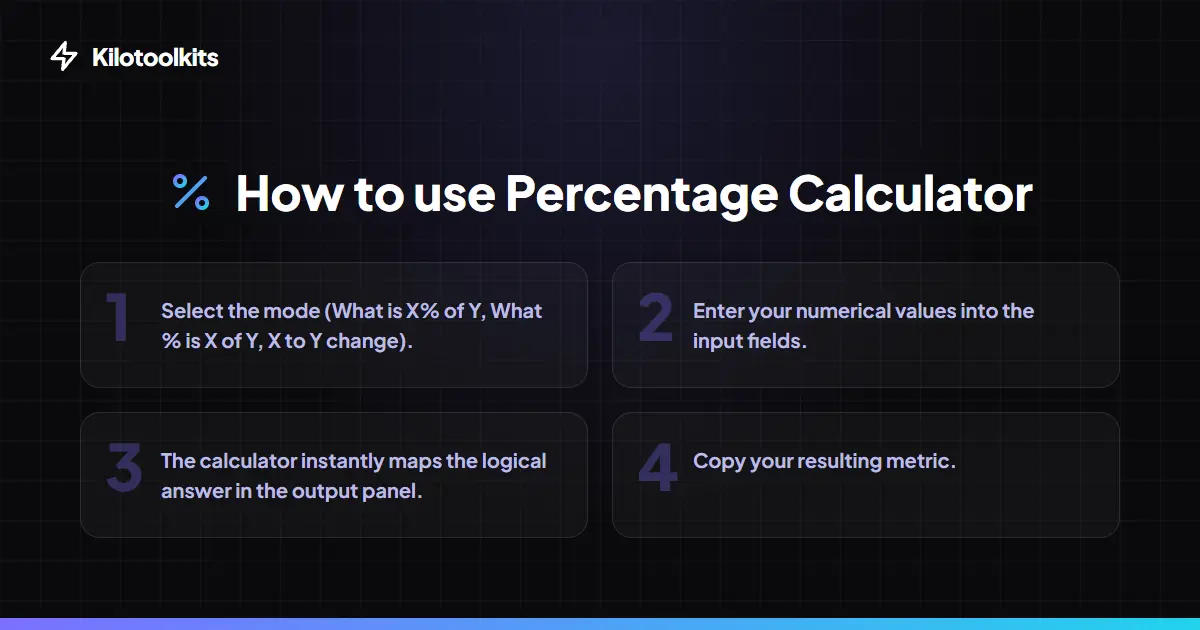
How to Use the Percentage Calculator
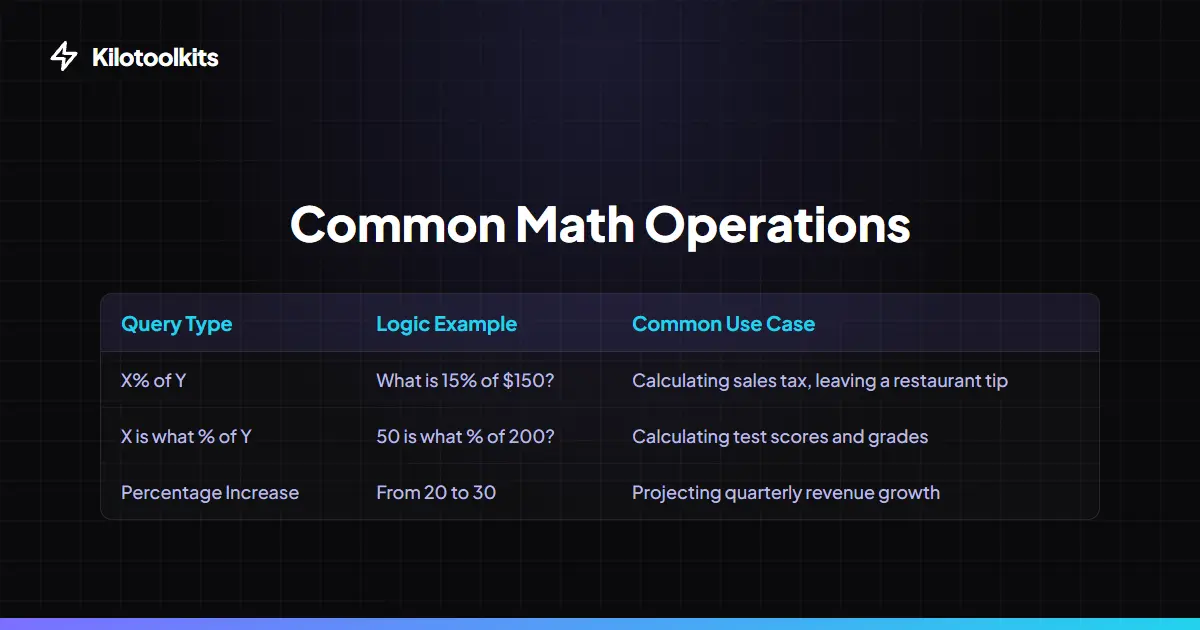
Percentage Formula Cheat Sheet
| Goal | Logical Formula | Example |
|---|---|---|
| X% of Y | (X / 100) * Y | 15% of 200 = 30 |
| What % is X of Y | (X / Y) * 100 | 50 is 25% of 200 |
| Percentage Change | ((New - Old) / Old) * 100 | 100 to 150 = 50% increase |
| Reverse % (+) | Final / (1 + (% / 100)) | $120 after 20% tax = $100 |
| Reverse % (-) | Final / (1 - (% / 100)) | $80 after 20% discount = $100 |
Input Validation & Math Limits
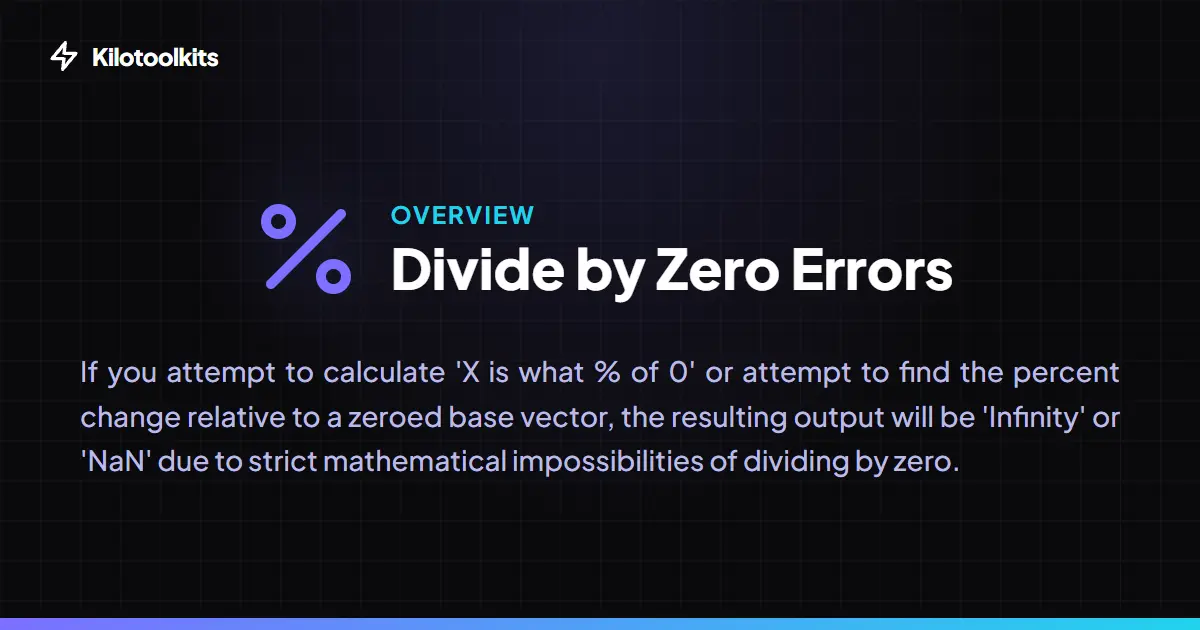
Percentage Calculator protects against 'Divide by Zero' errors. If you attempt to find a percentage relative to zero, Percentage Calculator displays an infinity symbol or hides the result panel to prevent confusion. All math is performed using high-precision raw floats, with rounding to 4 decimal places applied only at the final display stage.
Frequently Asked Questions
Tool Layout Gallery


Swipe to view more layouts