Base64 Encoder / Decoder
Convert text, emojis, and binary files to Base64 instantly. Features URL-Safe mode and a data-URI image previewer.
Tech Specs & Security
What is the Base64 Encoder / Decoder?
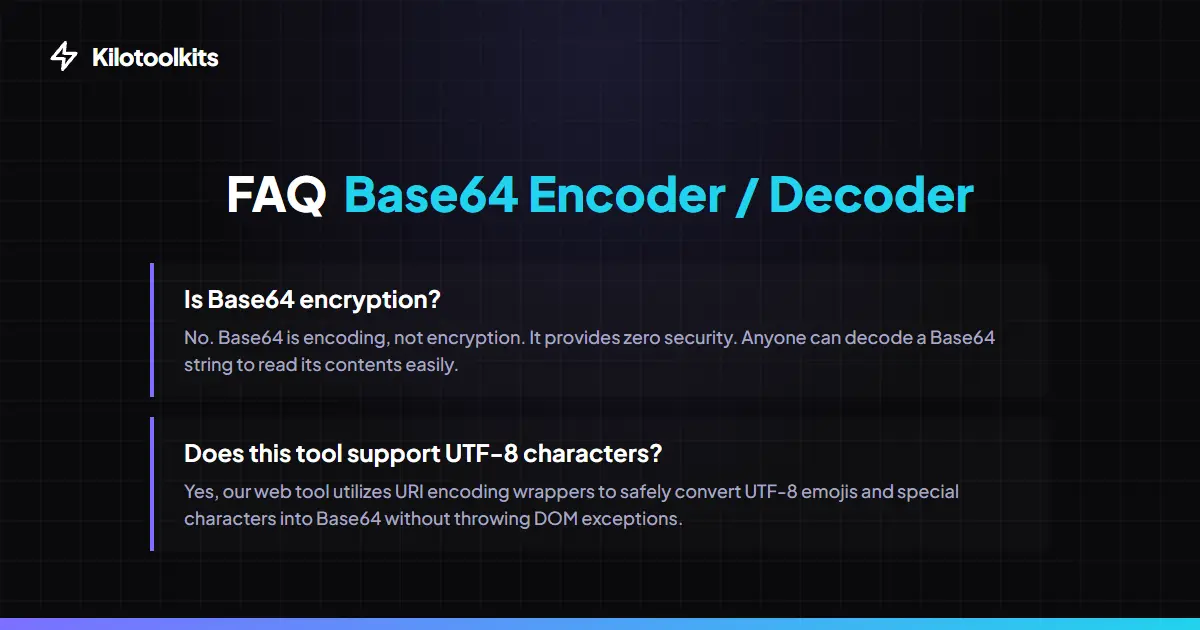
Base64 Encoder / Decoder is a high-performance utility designed for developers to transform binary data into ASCII string format. Base64 Encoder / Decoder uses a radix-64 representation to translate characters safely for transfer across text-based protocols. Base64 Encoder / Decoder handles complex UTF-8 characters and emojis without crashing, making the tool ideal for modern web development. Whether encoding an image for CSS or decoding a JSON payload, Base64 Encoder / Decoder ensures 100% data integrity while keeping everything private within the local browser environment.
URL-Safe Mode for JWTs
Developers working with JSON Web Tokens (JWT) or URL parameters need a specific flavor of encoding. Standard Base64 uses characters like '+' and '/', which can break URL structures. The URL-Safe mode in Base64 Encoder / Decoder replaces these with '-' and '_' respectively, and strips the trailing padding characters. Base64 Encoder / Decoder provides this pro feature at a toggle, allowing users to switch between standard and web-friendly formats instantly.
Binary to Data URI Conversion
One of the most powerful features of Base64 Encoder / Decoder is the ability to process binary files. Users can upload PNG, JPG, or SVG files to instantly generate a Base64 data URI. This is commonly used by frontend developers to embed small assets directly into CSS or HTML files to reduce HTTP requests. Base64 Encoder / Decoder also includes a visual preview panel that renders decoded images immediately, allowing users to verify data-URI strings without external tools.
Smart Error Correction
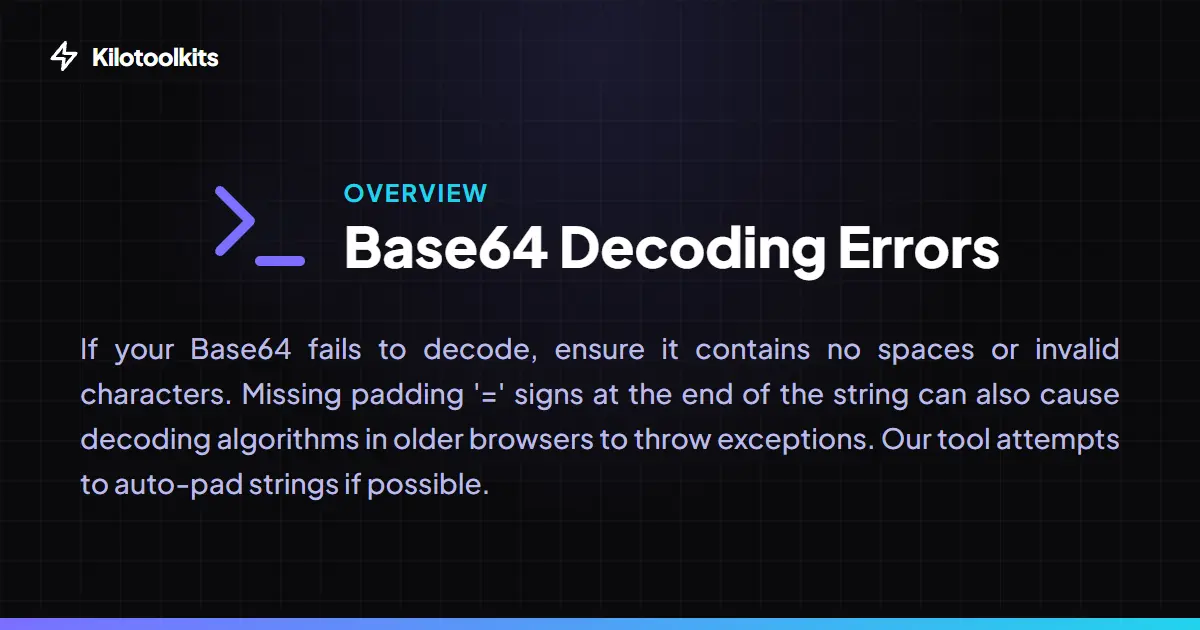
Working with raw Base64 strings can be messy, often leading to invalid input errors due to extra spaces or missing characters. Base64 Encoder / Decoder uses an intelligent correction algorithm that automatically strips whitespace and line breaks. If a string is missing its trailing '=' padding, Base64 Encoder / Decoder calculates the necessary length and appends it automatically. This prevents generic 'Invalid character' errors and ensures a smooth decoding experience even with imperfect inputs.
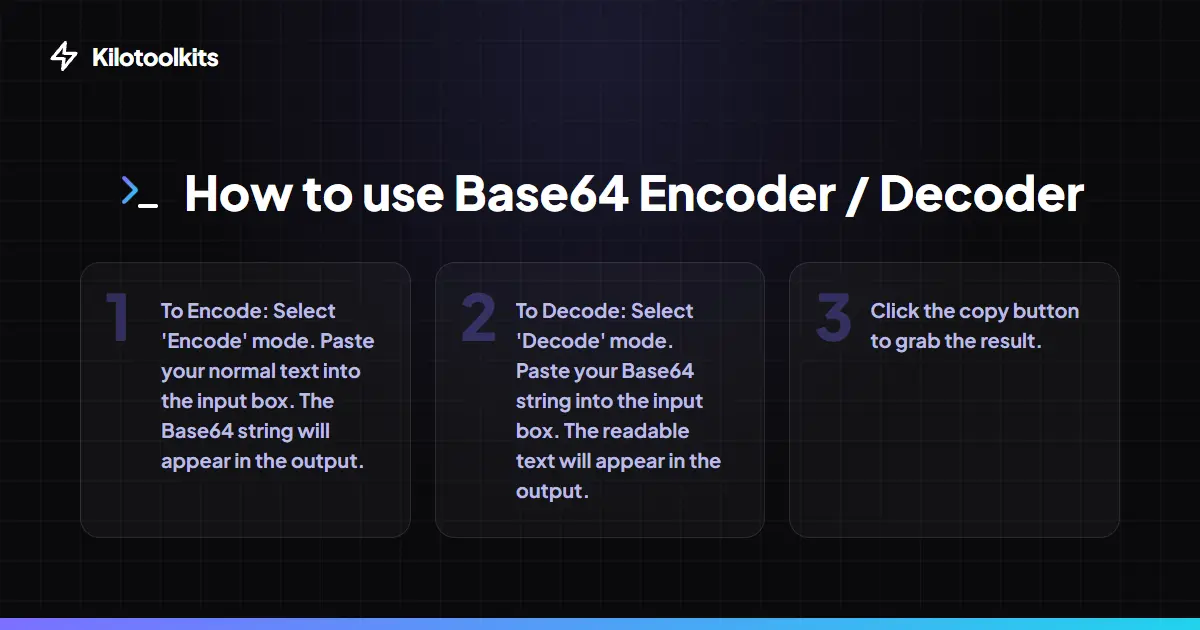
How to Use the Base64 Converter
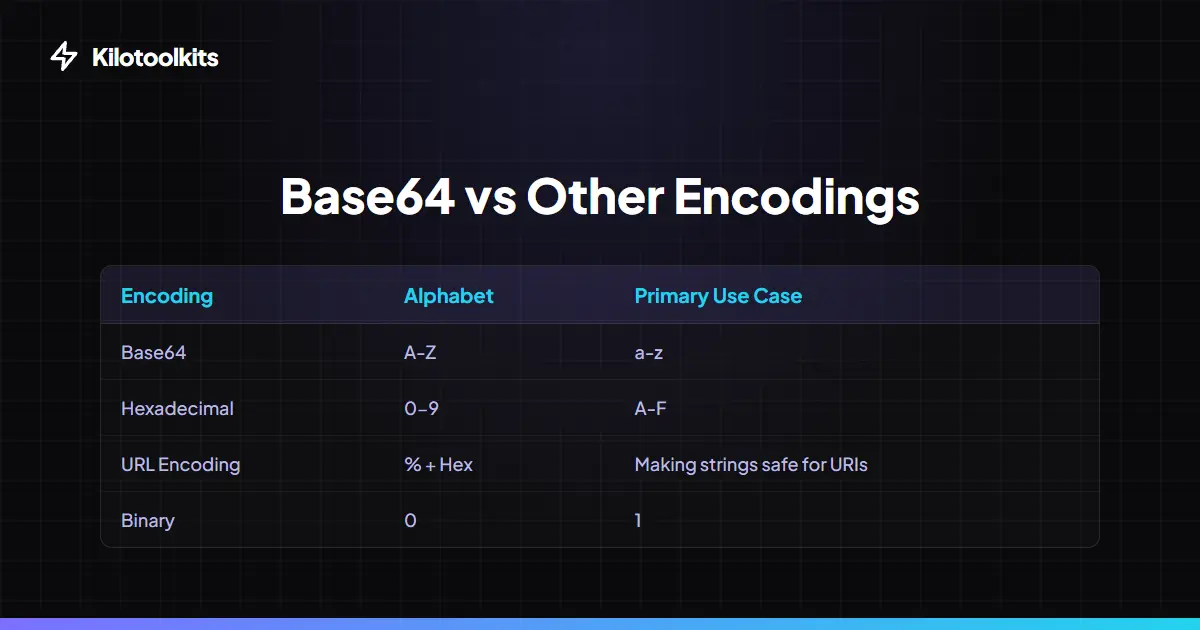
Base64 vs. Other Formats
| Property | Standard Base64 | URL-Safe Base64 | ||||||||
|---|---|---|---|---|---|---|---|---|---|---|
| Character Set | A-Z | a-z | 0-9 | + | / | A-Z | a-z | 0-9 | - | _ |
| Padding Character | Uses '=' at end | Strips '=' padding | ||||||||
| Primary Use | Data storage | Emails | URLs | JWT | Web API | |||||
| Size Increase | approx. 33% | approx. 33% | ||||||||
| Browser Compatible | Yes (btoa/atob) | Yes (with regex) |
Troubleshooting Decoding Errors
If the decoder shows an error, verify the input doesn't contain non-Base64 characters like '%' or '#'. While Base64 Encoder / Decoder fixes spaces and padding, the algorithm cannot guess missing data chunks. For UTF-8 characters, ensure the original string was encoded with proper URI wrappers. If decoding a massive string (over 1MB), the live conversion includes a tiny debounce delay to prevent the browser from freezing.
Frequently Asked Questions
Tool Layout Gallery


Swipe to view more layouts