MD5 Hash Generator
Generate ultra-fast MD5 hashes for text or files locally. Features a checksum comparator, file drag-and-drop, and Gravatar preview.
—
—
—
Paste the hash shown by a vendor download page. We compare it to what we just computed — locally.
Tech Specs & Security
What is the MD5 Hash Generator?
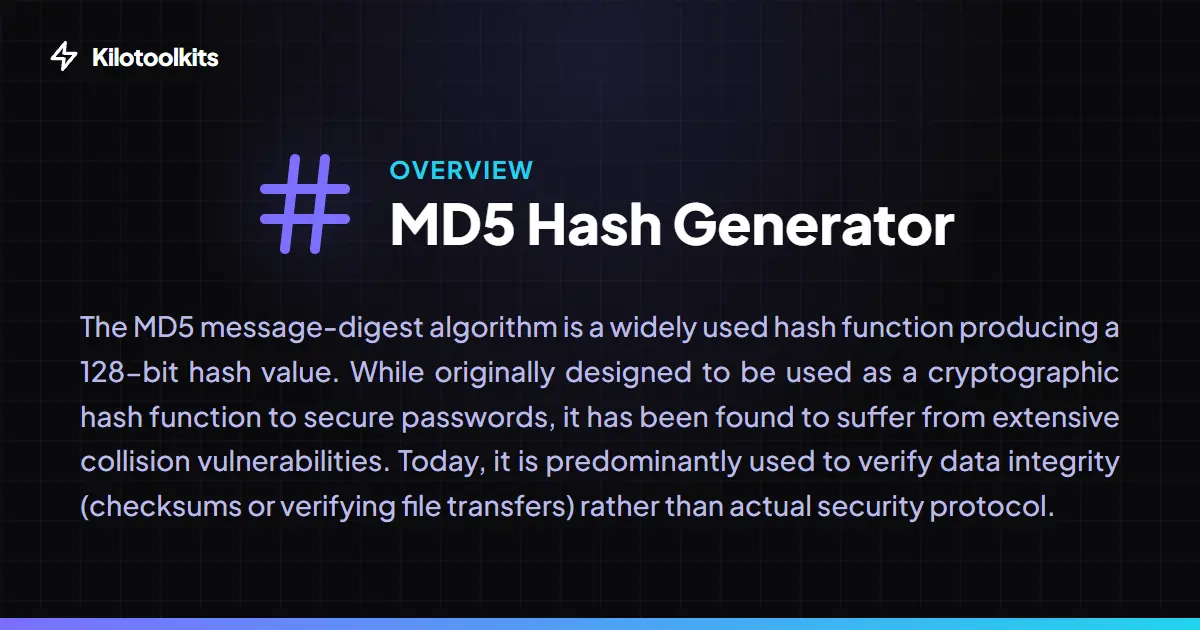
MD5 Hash Generator is a specialized cryptographic utility designed to compute 128-bit 'message digests' for any text string or binary file. While the MD5 algorithm is no longer recommended for secure password storage due to collision risks, it remains the industry standard for verifying data integrity and identifying files. MD5 Hash Generator allows you to calculate checksums instantly to ensure a downloaded ISO or ZIP file hasn't been corrupted. Because MD5 Hash Generator runs entirely in your browser using chunked file reading, you can process massive gigabyte-sized files privately without ever uploading a single byte to a server.
Drag & Drop File Checksumming
Verifying the integrity of large downloads is a common task for system administrators. MD5 Hash Generator features a specialized file drop-zone that handles everything from PDFs to massive disc images. By using a 'chunking' approach, MD5 Hash Generator reads the file in small blocks, calculating the digest incrementally. This prevents your browser from freezing or crashing during heavy calculations. A live progress bar keeps you informed, making MD5 Hash Generator the most reliable way to check a file's authenticity locally.
Industry-Standard Use Cases
MD5 Hash Generator is built for professional workflows. Beyond simple text hashing, MD5 Hash Generator includes a specialized Checksum Comparator that lets you paste an expected hash from a software vendor. If the hashes match, MD5 Hash Generator glows green, providing instant peace of mind. For web developers, MD5 Hash Generator also features a Smart Gravatar Preview. If you type an email address, MD5 Hash Generator automatically generates the specific MD5 hash required by the Gravatar API and displays the associated profile picture instantly.
Transparency & Security First
Security is at the heart of MD5 Hash Generator. To prevent potential misuse, MD5 Hash Generator includes a permanent security warning advising against using MD5 for password encryption. Every calculation in MD5 Hash Generator is performed using proven, open-source libraries like SparkMD5 and CryptoJS. Since Kilotoolkit is a static site, you can even use MD5 Hash Generator while offline, ensuring your data remains in your secure local environment at all times.
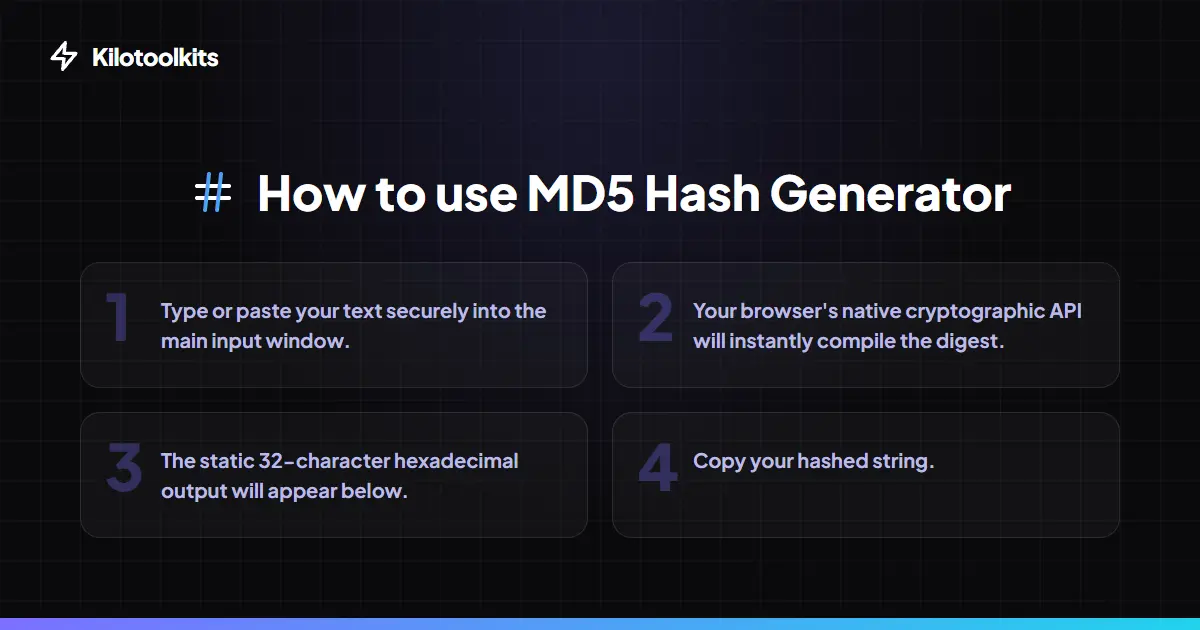
How to Use the MD5 Hash Generator
MD5 vs. Secure Hashing
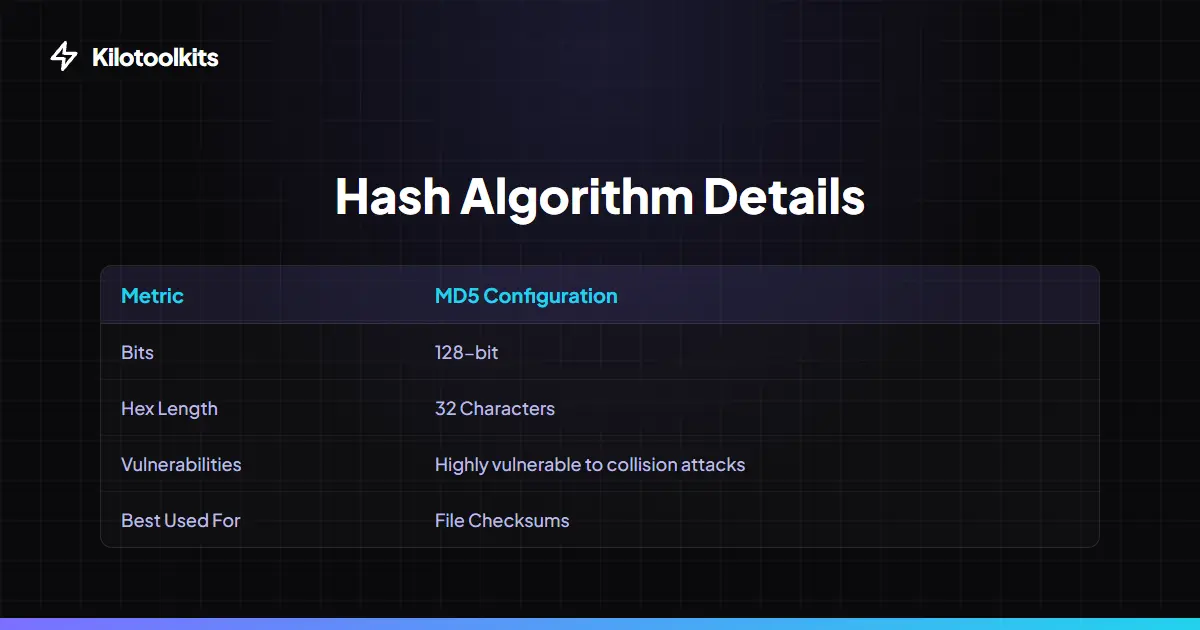
| Metric | MD5 (This Tool) | SHA-256 |
|---|---|---|
| Output Length | 128-bit (32 Hex Chars) | 256-bit (64 Hex Chars) |
| Performance | Ultra-fast | Modern Standard Speed |
| Collision Resistance | Low (Vulnerable) | Very High (Secure) |
| Best Use Case | Data Integrity / Checksums | Encryption / Security |
| File Verification | Industry Standard | Advanced High-Security |
Integrity Verification Failures
The most common use for MD5 Hash Generator is detecting corruption. If the Checksum Comparator shows a 'No Match' error, it indicates that even a single byte of your file has changed. This could be due to a faulty download, disk corruption, or a 'man-in-the-middle' alteration. Always re-download your files if the MD5 hash does not match the vendor's provided string. MD5 Hash Generator also protects you from browser crashes by using asynchronous reading, so your session remains stable even with complex file structures.
Frequently Asked Questions
Tool Layout Gallery

Swipe to view more layouts