JSON Formatter & Validator
Beautify, minify, and validate JSON data instantly. Features an interactive tree viewer, A-Z key sorting, and precise error pinpointing.
Tech Specs & Security
What is the JSON Formatter & Validator?
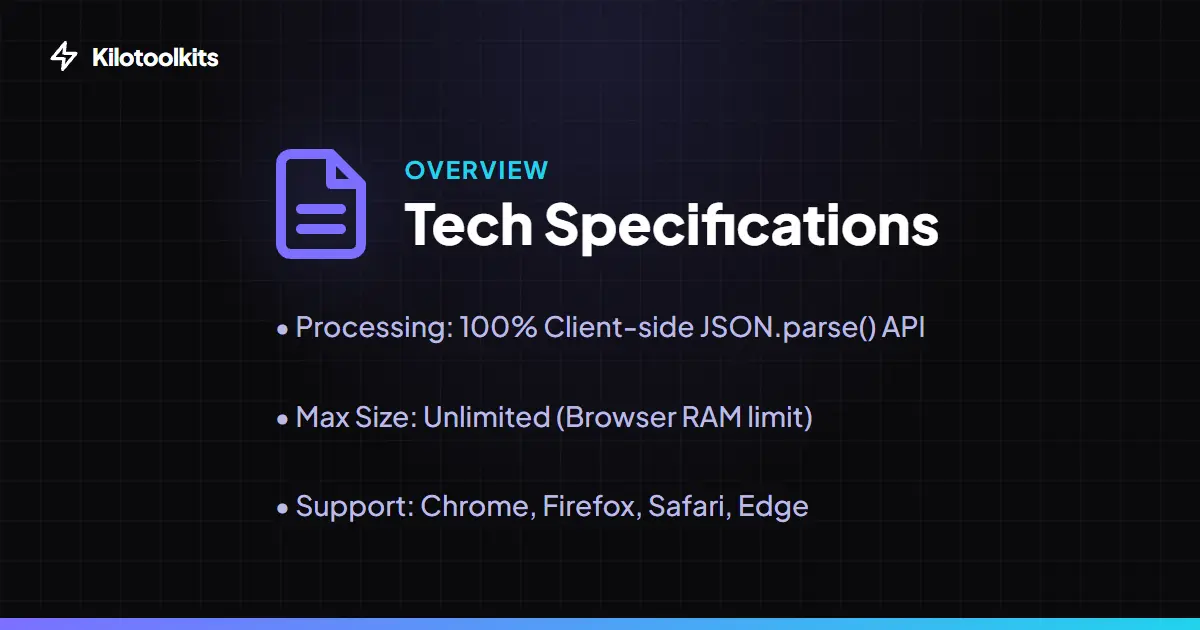
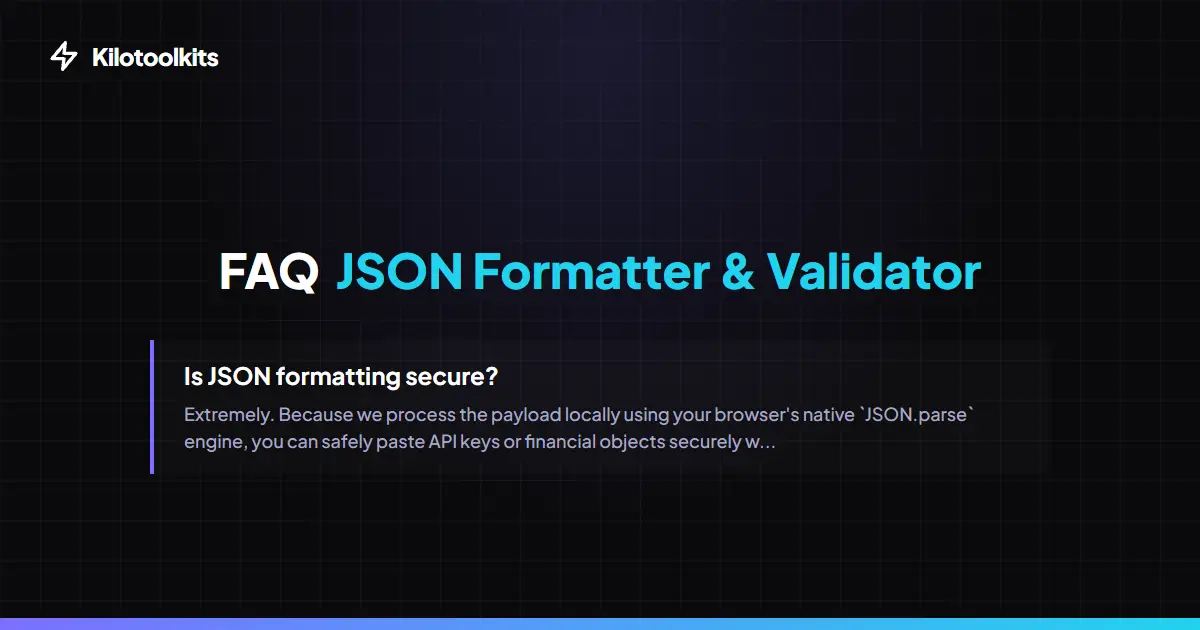
JSON Formatter & Validator is a high-performance developer utility designed to transform dense, unreadable JSON strings into structured, human-readable objects. As the standard for data exchange between modern APIs and databases, JSON often arrives in a minified state to reduce payload size. JSON Formatter & Validator allows you to parse these blocks, identify syntax errors instantly, and explore data through an interactive tree view. Because JSON Formatter & Validator runs entirely in your browser using the native V8 engine, you can safely process sensitive API keys or user data without ever uploading information to a server.
Precise Syntax Error Pinpointing
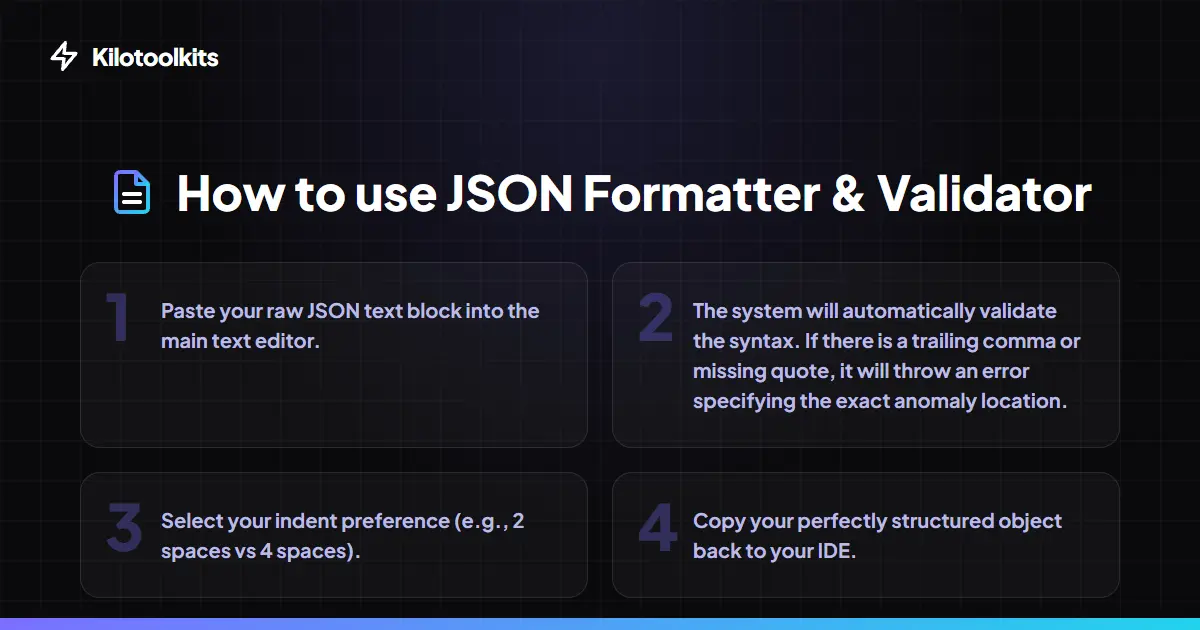
Debugging broken JSON is often a game of finding a needle in a haystack—usually a missing comma or a stray single quote. JSON Formatter & Validator features a specialized error parser that translates cryptic browser alerts into actionable insights. When JSON Formatter & Validator detects a syntax failure, JSON Formatter & Validator calculates the exact line and column number of the anomaly. This saves developers hours of manual scanning, allowing you to fix broken payloads from server logs or webhook exports in seconds.
Interactive Tree Viewer
Standard text editors struggle with massive, deeply nested JSON objects. JSON Formatter & Validator includes a specialized interactive tree viewer that lets you navigate complex hierarchies with ease. Users can collapse entire objects or arrays to focus on specific data segments. Every value is color-coded by type—strings in green, numbers in blue, and booleans in orange—allowing for instant visual identification of data patterns. It is the ultimate tool for developers who need to audit large API responses without being overwhelmed by white space.
Advanced Payload Modifiers
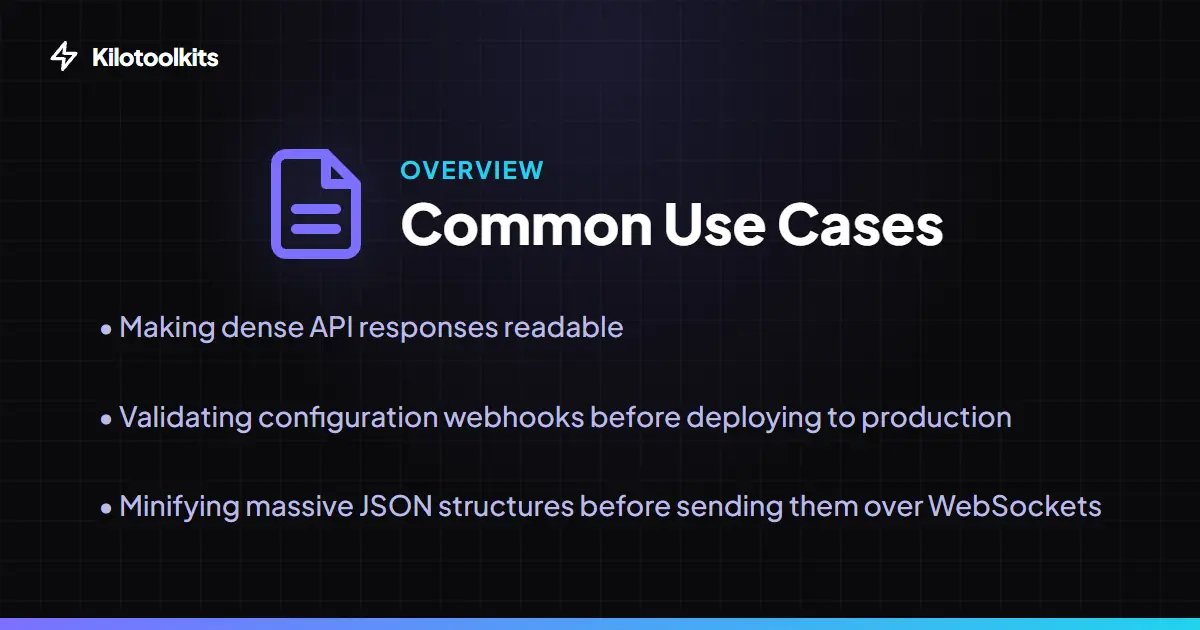
Beyond simple beautification, JSON Formatter & Validator offers powerful modifiers to prepare your data for production or comparison. Developers can sort object keys alphabetically (A-Z) which is essential for diffing two different JSON versions. For those dealing with 'stringified JSON' inside other strings, JSON Formatter & Validator provides an Escape / Unescape toggle that instantly unwraps or wraps objects. With choices for indentation size and a one-click minify option, JSON Formatter & Validator is a complete suite for JSON manipulation.
How to Use the JSON Formatter & Validator
JSON vs. JS Objects
| Feature | Strict JSON | JavaScript Object |
|---|---|---|
| Key Quotes | Required (Double Quotes) | Optional |
| Trailing Commas | Strictly Forbidden | Allowed |
| Data Types | No Functions/Undefined | Supports All |
| String Quotes | Double Quotes Only | Single or Double |
| Comments | Not Supported | Single and Multi-line |
Common JSON Syntax Errors
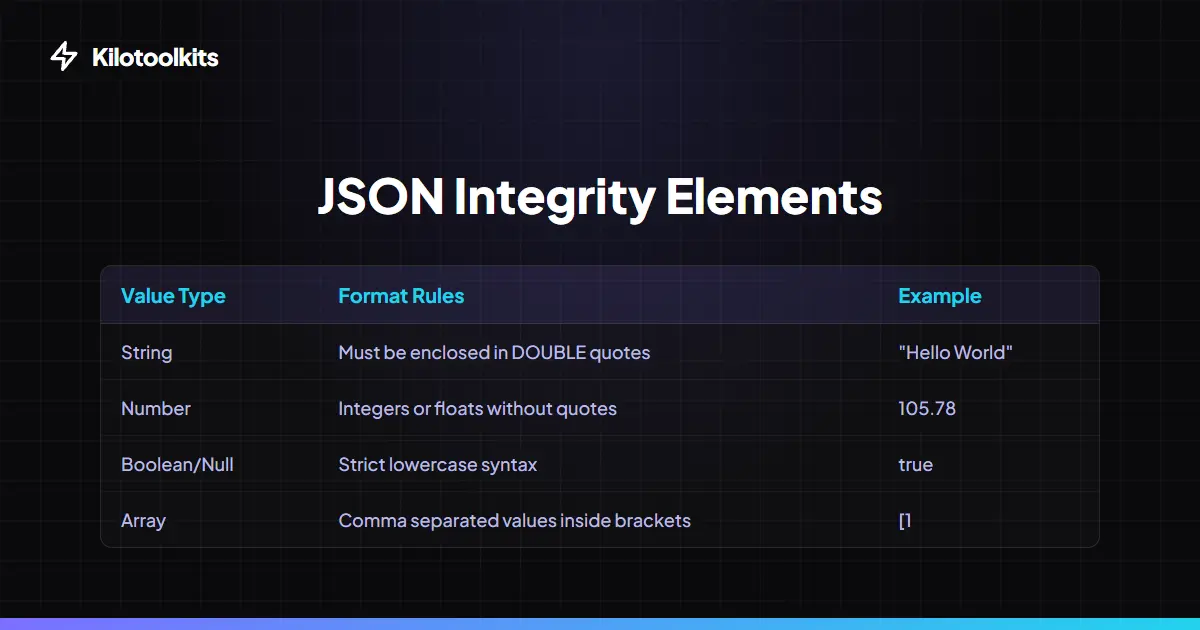
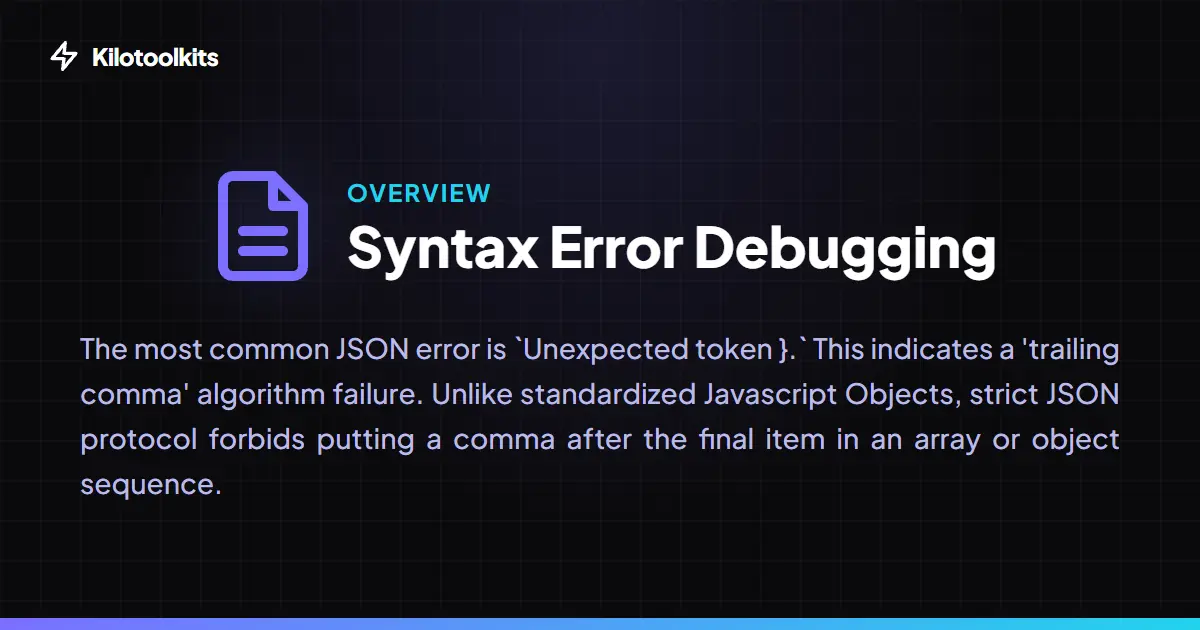
JSON Formatter & Validator is designed to catch the subtle mistakes that break modern parsers. The most common issue is the 'trailing comma'—placing a comma after the final item in an array—which is valid in JS but illegal in JSON. JSON Formatter & Validator also flags illegal single quotes, unquoted keys, and mismatched brackets. By highlighting the exact line and column, JSON Formatter & Validator helps you identify if the issue is a data corruption problem or a simple formatting error.
Frequently Asked Questions
Tool Layout Gallery
Swipe to view more layouts