JWT Decoder
Securely decode and verify JSON Web Tokens (JWT) in your browser. Features color-coded structural views and local signature verification.
Tech Specs & Security
What is the JWT Decoder?
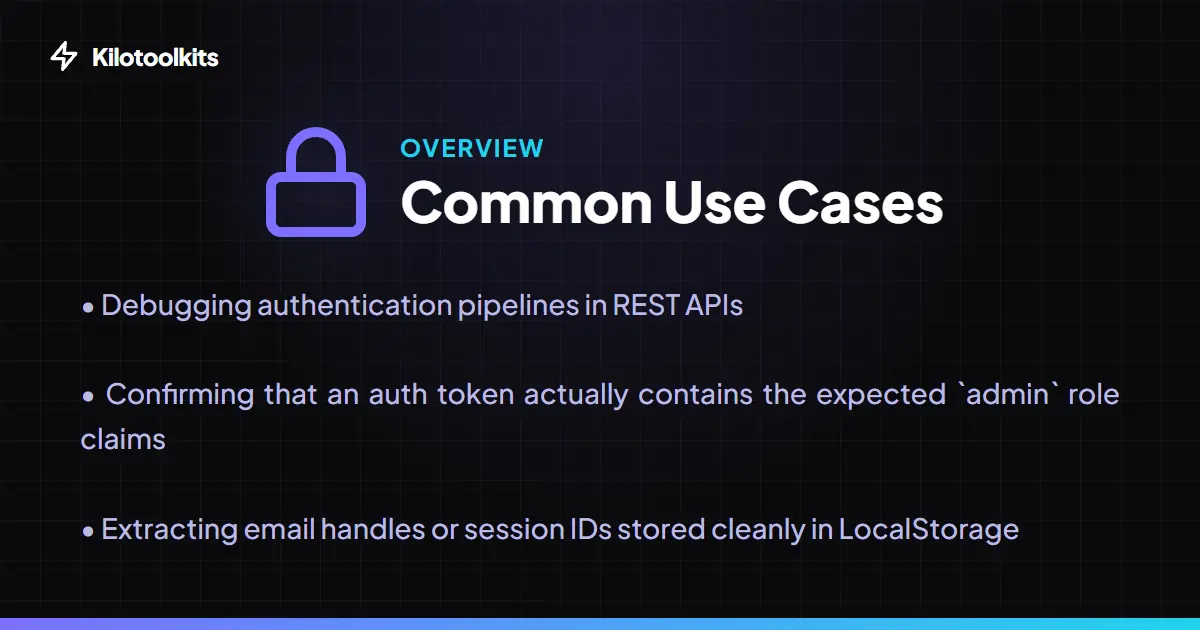
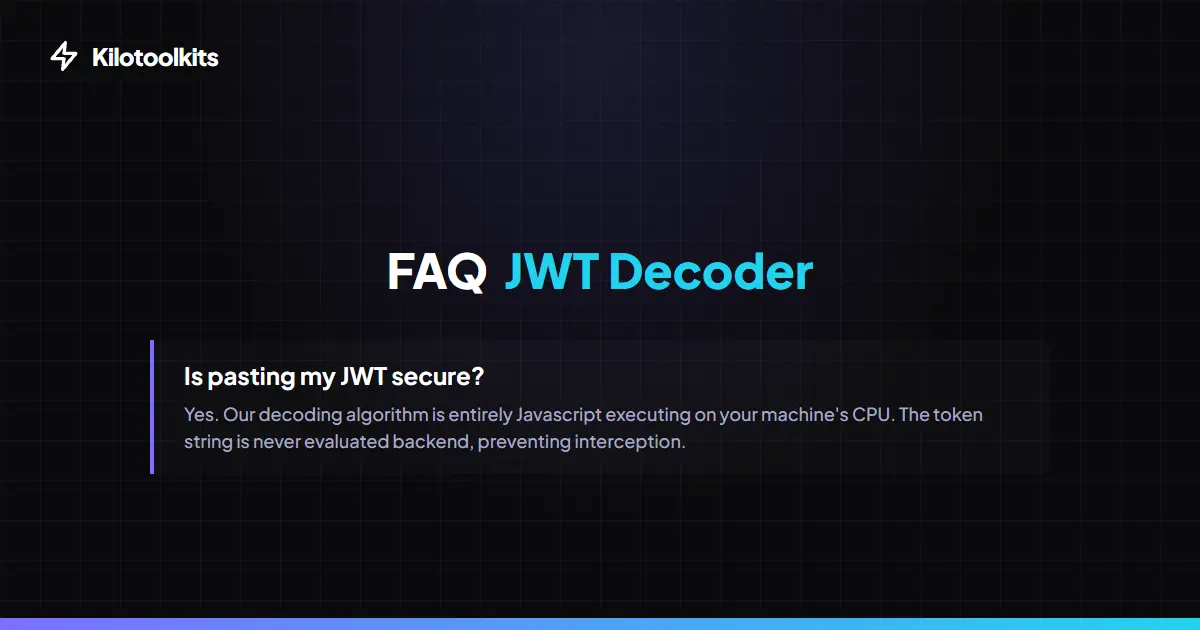
JWT Decoder is a specialized developer utility designed to inspect, decode, and verify JSON Web Tokens (JWT) without risking sensitive credentials. As the standard for modern authentication (OIDC, Auth0, Okta), JWTs are Base64URL encoded strings that contain critical identity and authorization claims. JWT Decoder cracks open the three segments of a token—the Header, Payload, and Signature—rendering them as clean, interactive JSON. Because JWT Decoder processes every byte locally using the native Web Crypto API, your tokens and private secrets never leave your browser, providing a secure alternative to server-side debugging tools.
Base64URL Safe Decoding
Standard Base64 decoders often fail when processing JWTs because tokens use a specific 'URL-safe' alphabet. In this format, '+' and '/' characters are replaced with '-' and '_' to prevent issues in URL parameters. JWT Decoder handles this encoding natively, ensuring that payloads containing special characters or padding are decoded correctly every time. Combined with UTF-8 support, JWT Decoder accurately renders complex claims including emojis and international characters found in modern identity systems.
Signature Verification & Security
Verification is the most critical part of JWT debugging. JWT Decoder features a specialized signature verification panel that allows you to test HMAC algorithms like HS256, HS384, and HS512. By entering your secret key, you can instantly verify if a token is authentic or has been tampered with. This verification is performed entirely within your browser's secure context using 'crypto.subtle', meaning your secret key is never sent to a server. It is a friction-free way to audit your Auth0 or custom backend tokens while maintaining absolute privacy.
Smart Payload Insights
Reading raw JSON timestamps is a headache for developers. JWT Decoder includes a smart timestamp translator that automatically detects common claims like 'iat' (issued at), 'exp' (expiration), and 'nbf' (not before). JWT Decoder translates these Unix integers into human-readable local dates in real-time. To make debugging even faster, JWT Decoder displays a live excursion status badge that calculates time remaining or shows if a token has already expired, helping you identify authentication issues in seconds.
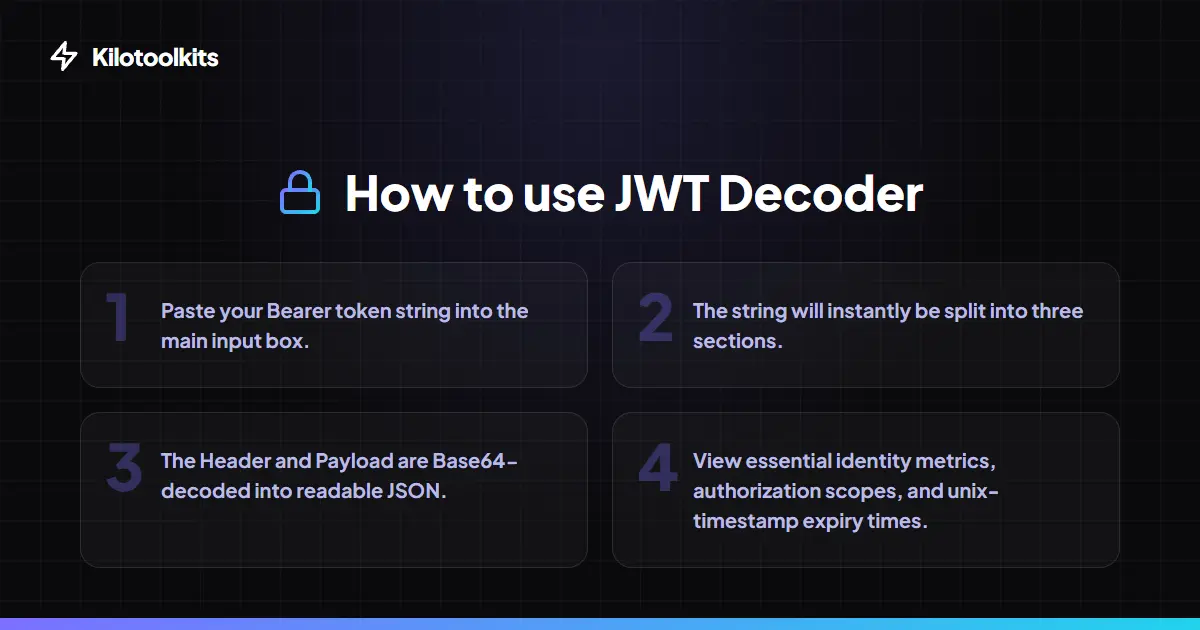
How to Use the JWT Decoder
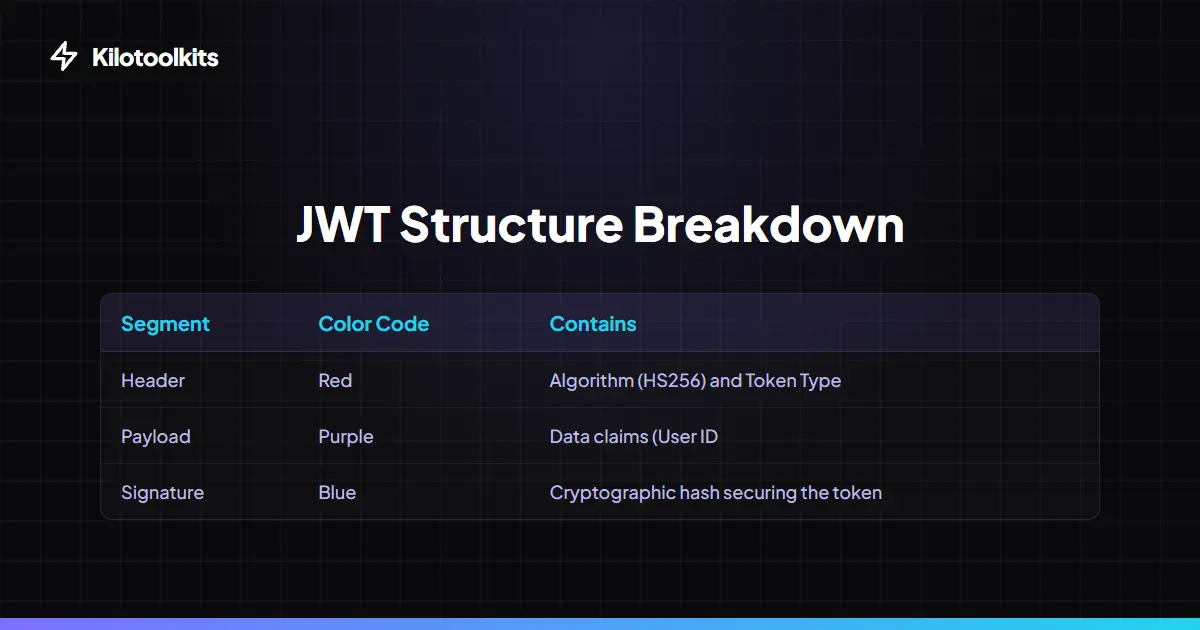
JWT Segments Explained
| Segment | Color Code | Primary Purpose | ||
|---|---|---|---|---|
| Header | Red | Identifies Algorithm (HS256 | RS256) | |
| Payload | Purple | Contains User Claims | Scopes | and Expiry |
| Signature | Blue | Validates that the token hasn't been modified |
Common JWT Errors
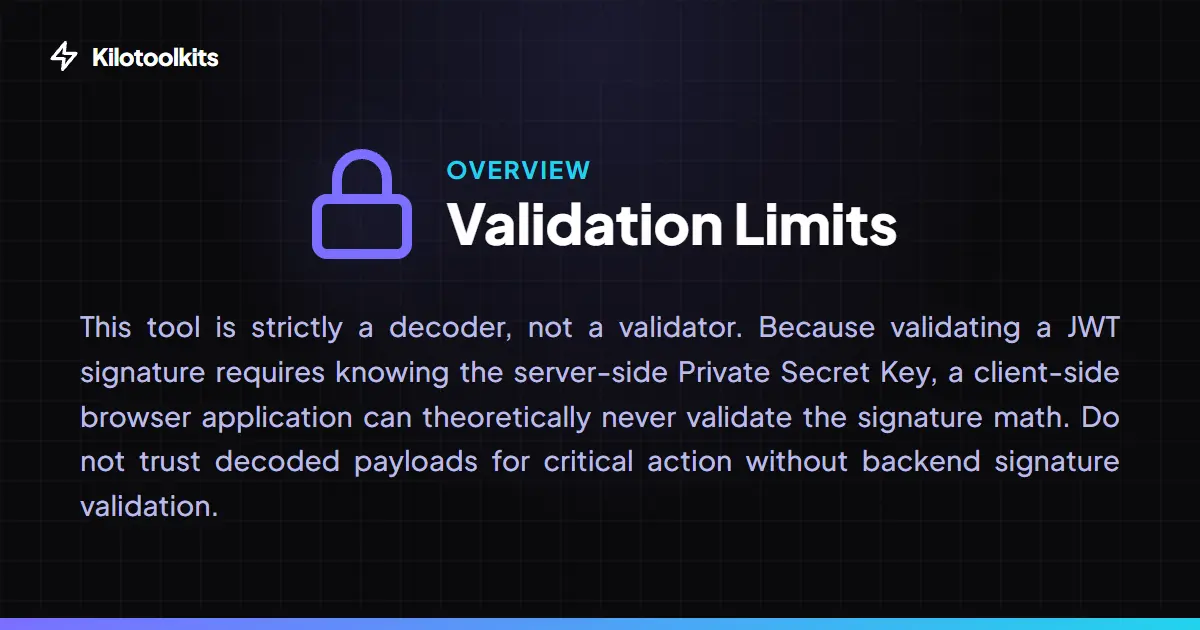
JWT Decoder features graceful error handling to protect your workflow. If a pasted string is not a valid JWT (e.g., it contains more or less than two dots), JWT Decoder displays a polite inline warning instead of crashing. It also flags malformed JSON structures inside decoded segments and provides specific feedback if signature verification fails due to an incorrect secret key. Always remember: while JWT Decoder decodes tokens, successful signature verification is required to trust the data inside them.
Frequently Asked Questions
Tool Layout Gallery


Swipe to view more layouts