HTML Encoder / Decoder
Safely escape HTML characters or decode entities back to code. Features a sandboxed preview and essential/advanced encoding levels.
Tech Specs & Security
What is the HTML Encoder / Decoder?
HTML Encoder / Decoder is a specialized utility for web developers designed to neutralize malicious code by converting reserved HTML characters into safe character entities. Without proper encoding, symbols like '<' and '>' can be interpreted by browsers as executable script tags, leading to Cross-Site Scripting (XSS) vulnerabilities. HTML Encoder / Decoder allows you to safely process raw markup, ensuring that code is rendered as text rather than performed as a command. Whether you are prepping code for a blog post or sanitizing user input for a database, HTML Encoder / Decoder provides a professional-grade environment for handling entities privately in your browser.
Granular Encoding Levels
Control exactly how your code is transformed with three distinct encoding levels. The 'Essential Only' mode focuses on the five core characters—ampersand, less-than, greater-than, and quotes—keeping your code blocks readable while remaining secure. For documents requiring broad language support, the 'Advanced Entities' level converts foreign accents and symbols into named entities like © and é. For maximum compatibility across legacy systems, the 'Numeric Entities' mode translates characters into their decimal Unicode values. HTML Encoder / Decoder gives you the flexibility to choose the level that fits your specific project requirements.
Sandboxed Visual Preview
Verification is a key step when decoding complex markup. HTML Encoder / Decoder features a specialized rendered preview panel that appears instantly when you switch to decode mode. To keep your session safe, the tool injects the decoded HTML into a strictly sandboxed iframe. This allows you to see the visual output of the code—including styles and layouts—without actually executing any scripts within the markup. It is a friction-free way to preview snippets from server logs or external sources before integrating them into your production environment.
Developer-First Workflow
HTML Encoder / Decoder is built for speed and reliability in a high-pressure coding environment. With instant live conversion, choices are reflected as you type. The tool also features an auto-memory system via local storage, acting as a persistent scratchpad that survives page reloads. Combined with one-click paste and file upload support, HTML Encoder / Decoder eliminates the friction of manual character swapping, allows developers to focus on the actual logic of their applications, and provides a safe space for code experimentation.
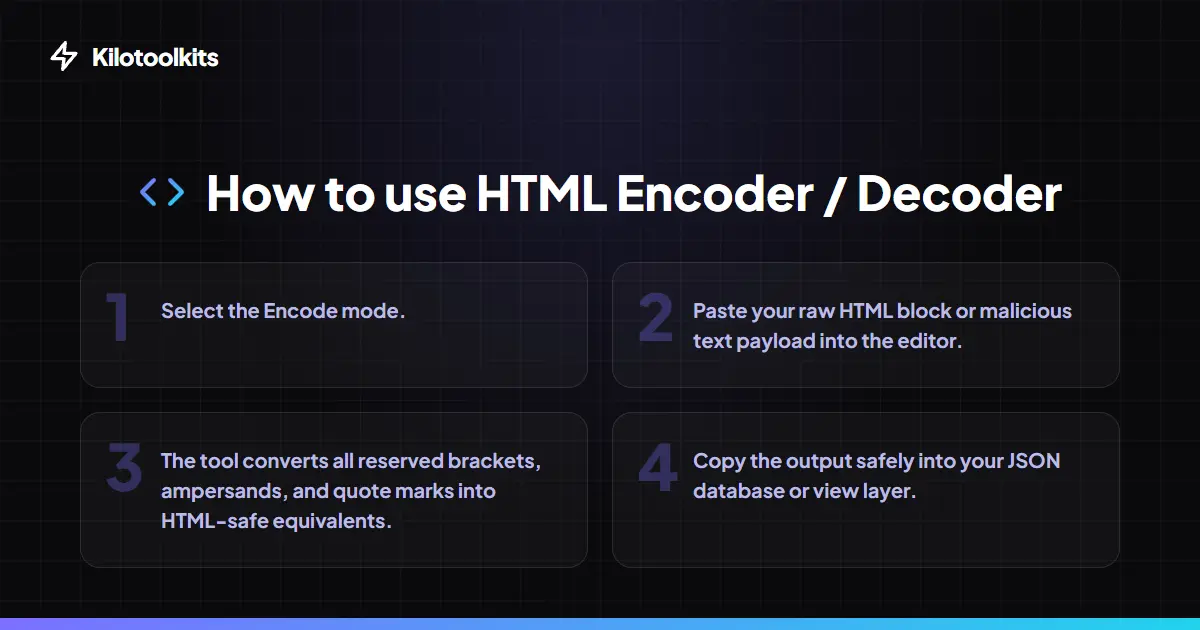
How to Use the HTML Encoder / Decoder
HTML Entity vs. Plain Text
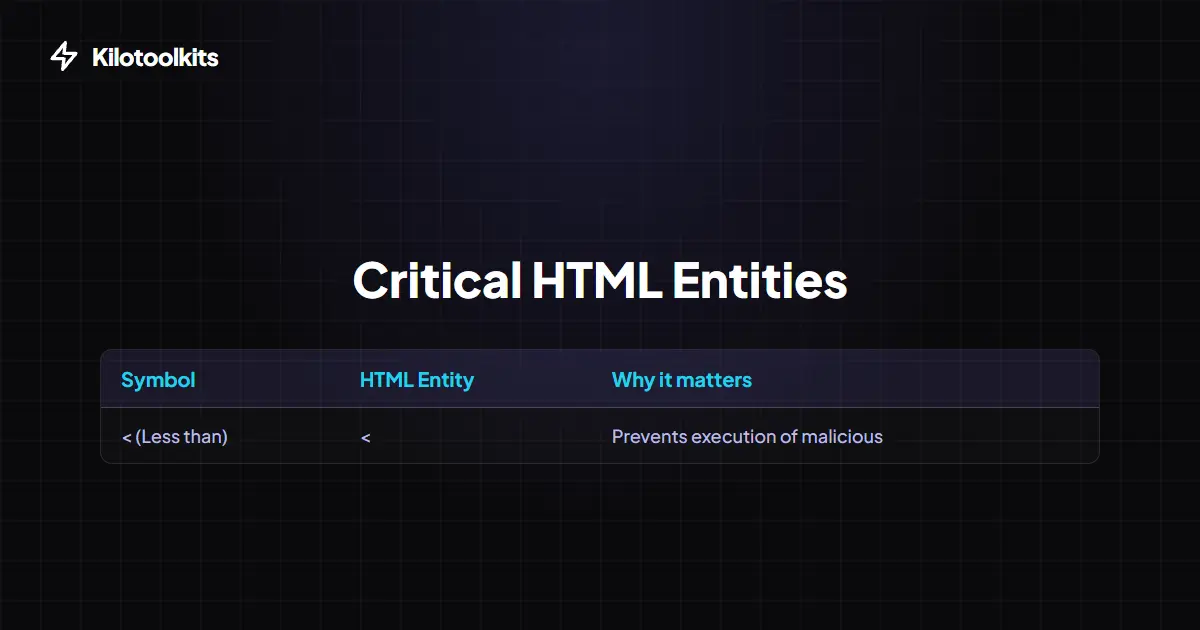
| Symbol | Plain Text | HTML Entity | Numerical Entity |
|---|---|---|---|
| Less Than | < | < | < |
| Greater Than | > | > | > |
| Ampersand | & | & | & |
| Copyright | © | © | © |
| Double Quote | " | " | " |
Safe Decoding and Malformed Entities
Decoding unverified strings can sometimes lead to broken symbols if the entities are incomplete. HTML Encoder / Decoder uses a non-destructive regex-based decoding logic that unescapes valid entities while ignoring rogue '%' or '&' symbols that are not part of an entity sequence. This prevents the browser from crashing or throwing syntax errors when processing messy logs. For maximum security, the rendered preview is always sandboxed, stopping any embedded scripts in the raw HTML from executing during your session.
Frequently Asked Questions
Tool Layout Gallery




Swipe to view more layouts