URL Encoder / Decoder
Safely encode and decode URLs and query parameters. Features batch processing, RFC 3986 compliance, and a live query parser.
Tech Specs & Security
What is the URL Encoder / Decoder?
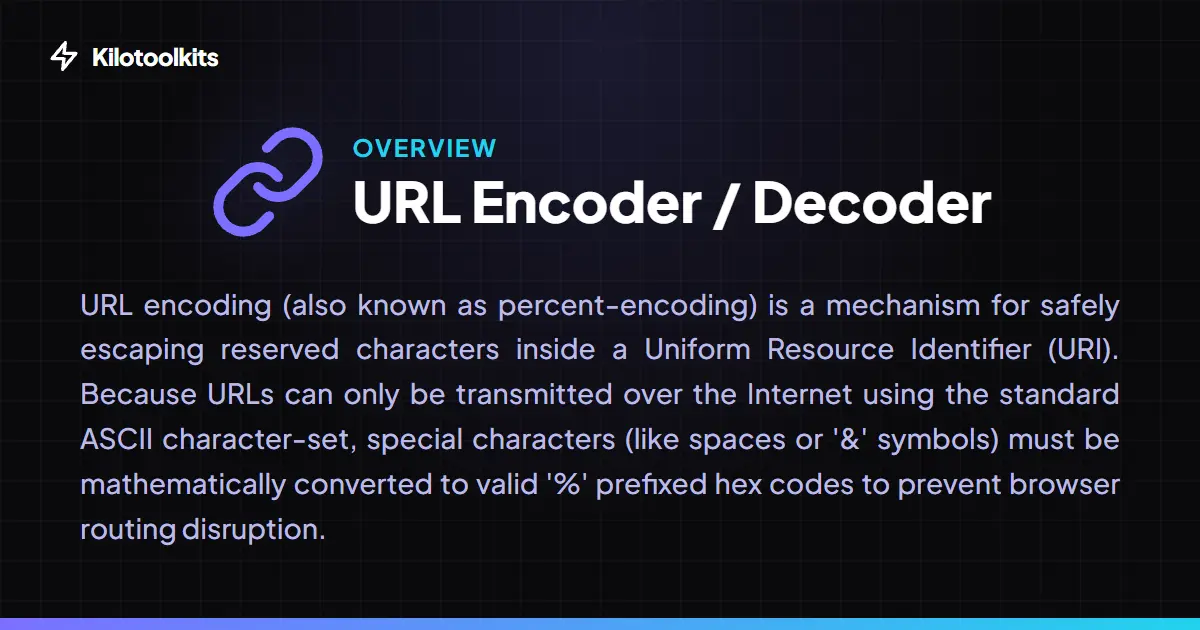
URL Encoder / Decoder is a specialized developer utility designed to handle percent-encoding (also known as URL encoding) for safe data transmission via HTTP. Because URLs can only contain a specific set of ASCII characters, reserved symbols like spaces, ampersands, and slashes must be mathematically escaped into '%' prefixed hex codes. URL Encoder / Decoder allows users to choose between strict parameter encoding and loose full-URL encoding to ensure data integrity. Designers and developers use URL Encoder / Decoder to sanitize query strings, clean up tracking parameters, and verify encoded JSON payloads before sending them to an API.
Strictness: encodeURI vs. encodeURIComponent
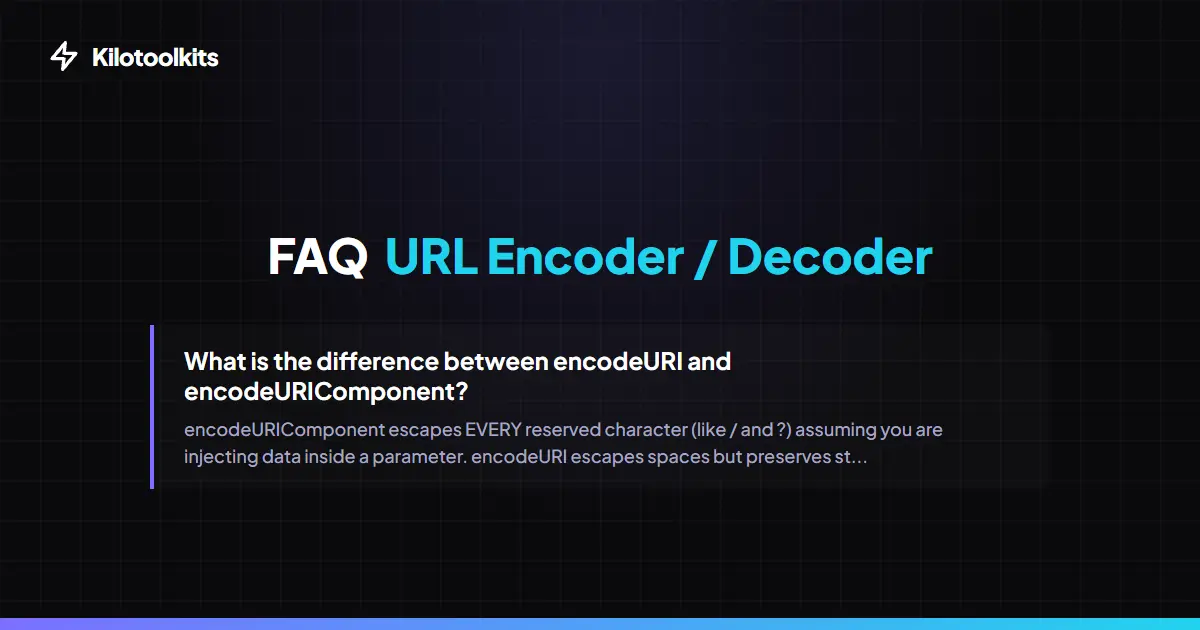
Understanding when to use different encoding levels is essential for web development. URL Encoder / Decoder provides a 'Strictness' selector to toggle between two core behaviors. The 'Parameter (Strict)' mode uses the encodeURIComponent algorithm, which escapes every non-alphanumeric character, making the result safe for injecting into a key-value pair. The 'Full URL (Loose)' mode uses the encodeURI algorithm, which preserves structural characters like slashes, colons, and question marks so the address remains routable by the browser.
Space Handling and Form Encoding
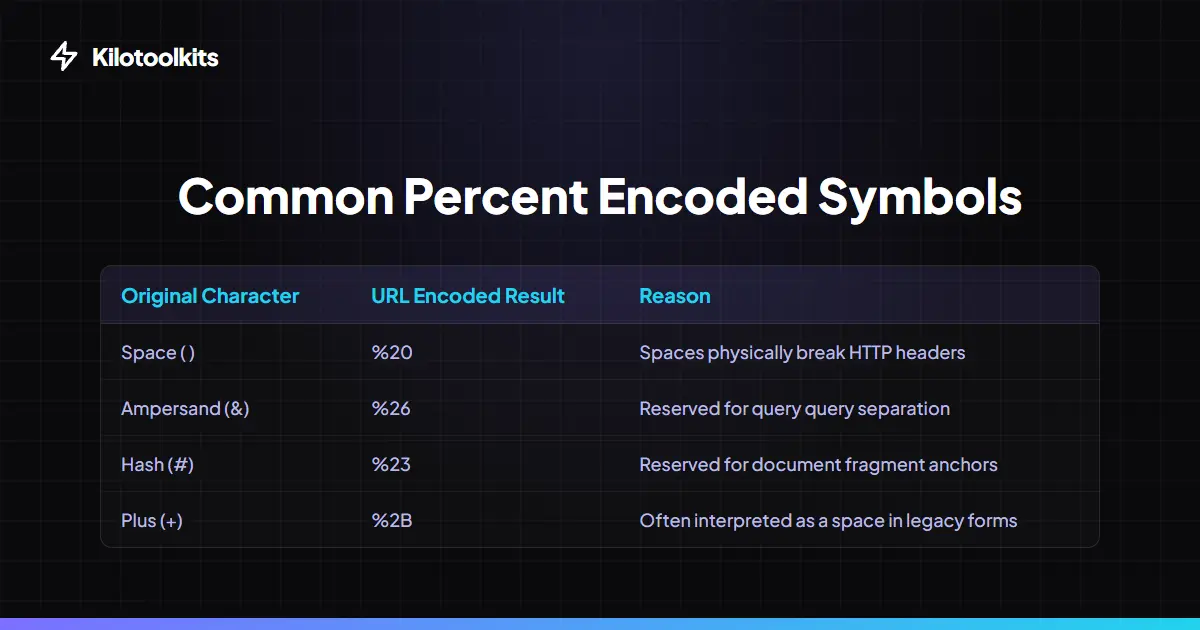
URL Encoder / Decoder includes a dedicated toggle for space character formatting. Under modern RFC 3986 standards, spaces are typically converted to '%20'. However, legacy HTML forms and certain backend systems require the '+' symbol instead. Users can easily switch between these two formats in URL Encoder / Decoder, ensuring that generated URLs are perfectly compatible with the target server or legacy application requirements.
Live Query Parameter Parser
Decoding a long, messy URL with dozens of tracking parameters can be overwhelming. URL Encoder / Decoder features a specialized query parser that automatically detects UTM tags, search queries, and session IDs during the decoding process. A structured table appears below the output, separating every key and value into readable rows. This allows SEO professionals and marketers to audit complex URLs instantly without manually scanning through percent-encoding noise.
How to Use the URL Formatter
Encoding Strictness Comparison
| Symbol | Unencoded | Full URL (Loose) | Parameter (Strict) |
|---|---|---|---|
| Forward Slash | / | / | %2F |
| Question Mark | ? | ? | %3F |
| Ampersand | & | & | %26 |
| Space | ( ) | %20 | %20 |
| Colon | : | : | %3A |
Malformed URI Sequence Protection
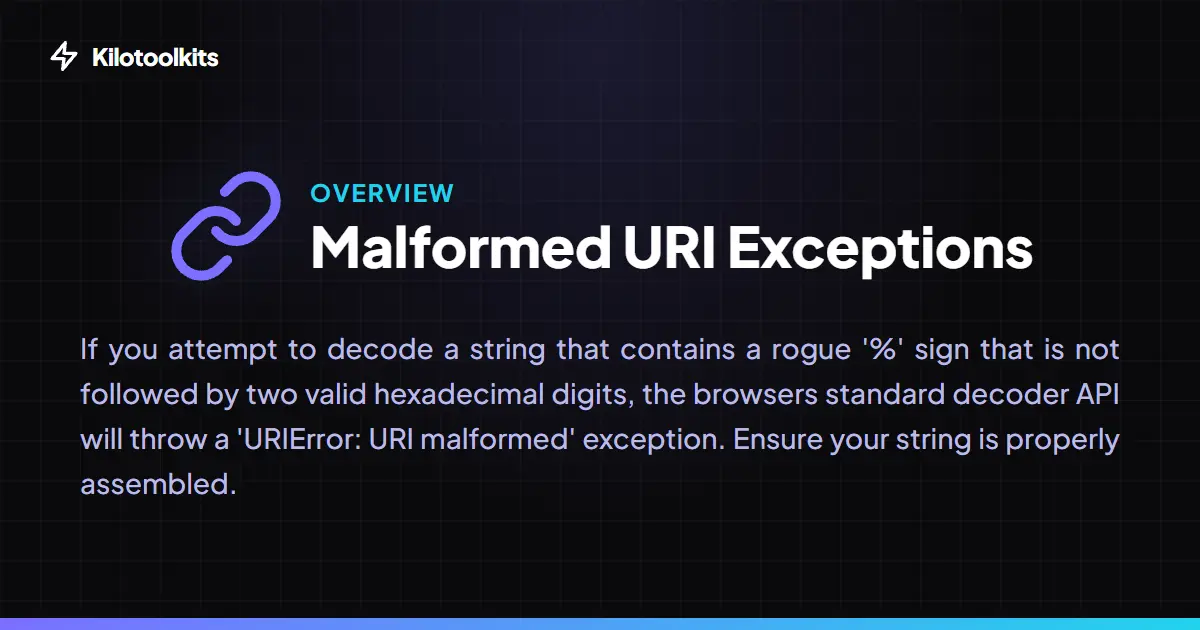
A common failure point in URL decoding occurs when an input contains a rogue '%' sign followed by invalid characters. Standard JavaScript functions typically crash the entire page in this scenario. URL Encoder / Decoder includes built-in protection that catches these exceptions gracefully. If a malformed sequence is detected, URL Encoder / Decoder identifies the approximate character position and line number, allowing users to fix the string without losing their work. This ensures that URL Encoder / Decoder remains stable even when processing messy or corrupted logs.
Frequently Asked Questions
Tool Layout Gallery


Swipe to view more layouts